Bring real spaces
into the 360° world
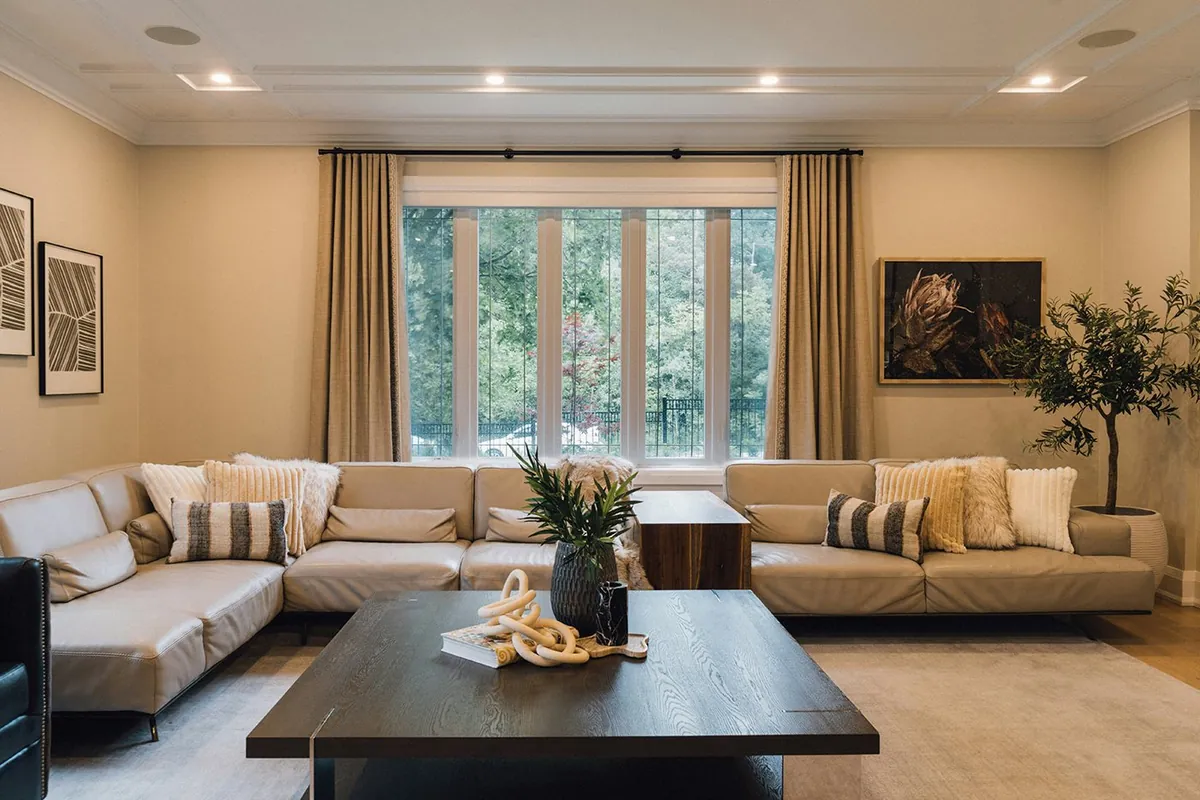
Lesmee renders your 3D model — homes, hotels, showrooms — into a vivid 360° virtual tour, letting your customers feel like they're standing right there before it is built. Already built? Our crew can also shoot it on-site.
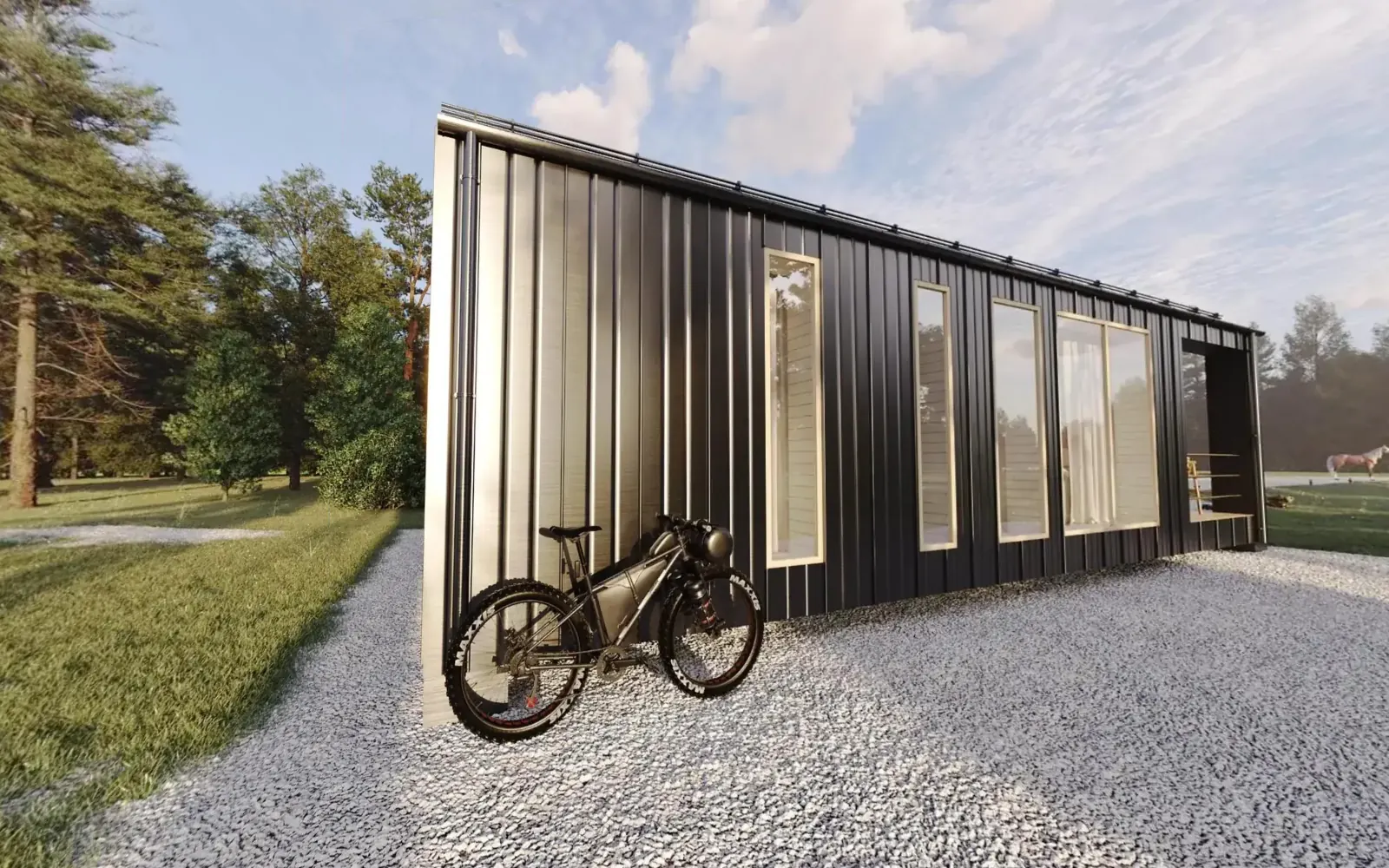
Explore a 360° tour yourself
Drag, spin and step into a real space right in your browser — exactly what your customers will experience.
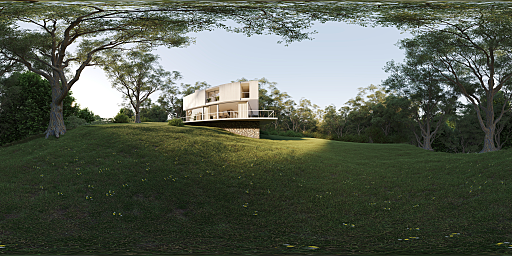
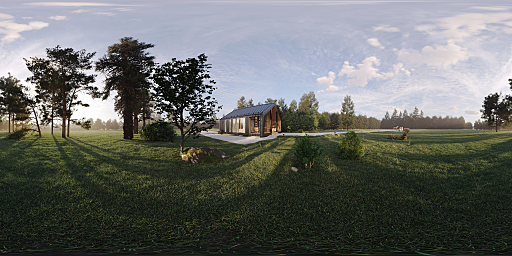
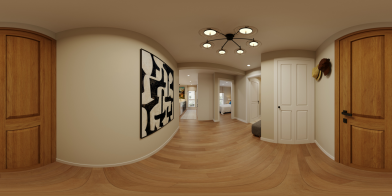
One platform — endless spaces
Whatever your industry, a 360° tour helps customers explore, trust and decide faster.
Real Estate
Let buyers "tour the home" remotely with a virtual walkthrough of every room and a mini floor-plan map.
Hotels & Resorts
Showcase every room, pool, restaurant and sea view — rendered from the design model before opening, or shot on-site once you are open.
Showroom & Retail
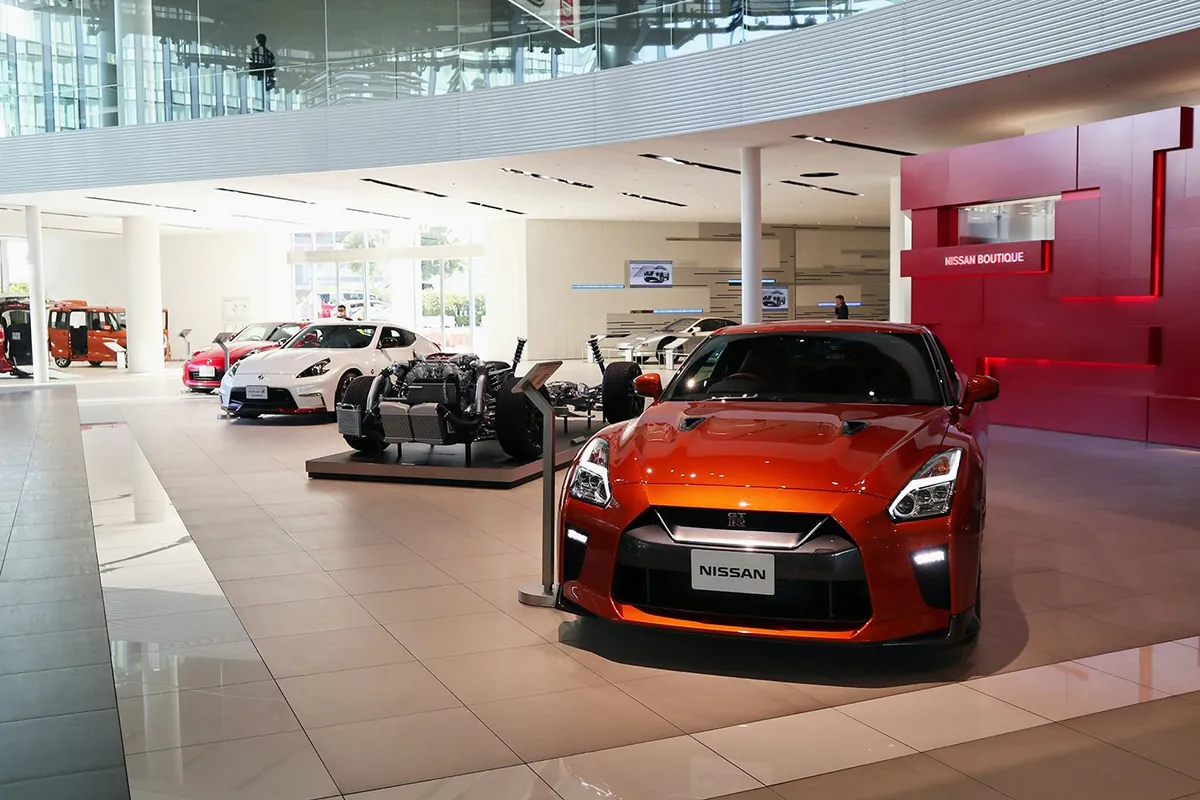
Display products in 360°, attach info, video and buy buttons right inside the virtual space.
Restaurants & Cafés
Recreate the ambience, stage and VIP areas so guests can "visit" before booking.
Museums & Exhibitions
Open a gallery or exhibition to visitors online — shot on-site, or rendered before it is installed.
Factories & Enterprises
Send a professional capability tour to partners and investors — no on-site travel required.
More than a photo — an experience
Attach interactive points to any object — info, media, navigation. Hover (or tap) the dots to preview.
- Smart interactive hotspotsEmbed text, images, video, purchase or contact links right within the space.
- Runs in any browserWebGL on desktop, tablet and phone — no app to install, no account.
- Embed & share anywhereAn embeddable package with online hosting (first 2 months free), or self-host with our guide.
From idea to virtual tour in 4 steps
Simple, transparent and fast — the Lesmee team handles everything from on-site shooting or your 3D model to delivery.
Understand & consult
We talk closely with you to fully grasp your needs and goals, then propose the most effective solution.
360° capture or 3D render
Two options: our crew shoots real 360° photos on-site (quoted per project), or we render from your 3D model — 2–3 sample points for your approval, then every point as an 8K–16K panorama.
Build tour & add hotspots
We stitch or render the panoramas, link the points and add info points, a mini floor-plan map and an on-brand interface.
Deliver & integrate
We deliver the embed package, original high-resolution panoramas and an embed and self-hosting guide.
Ready to digitize
your space?
Leave your details — the Lesmee team will reach out with a free consultation and a quote within 24 hours.
By submitting, you agree to let Lesmee contact you.
360 virtual tour questions
How is a rendered 360 virtual tour different from a scanned tour?
We build it from your 3D model, not from photos of a finished space, so you can market a project before it is built. Every panorama shares one lighting solution, so rooms and views match.
Can you shoot a 360 tour of a space that already exists?
Yes. Our crew photographs the finished space on-site in 360°. Location, schedule and price are agreed per project — send us the address and floor area for a quote.
What resolution are the panoramas?
Each point is an 8K–16K equirectangular panorama rendered in V-Ray or Corona.
Do viewers need an app or an account?
No. The tour is an HTML package that runs WebGL in the browser on desktop, tablet and phone.
Where is the tour hosted?
Online hosting is free for the first 2 months, then renewed by storage and traffic. You can also self-host with our embed and hosting guide.
How long does a 360 virtual tour take?
Two weeks for a standard rendered tour. You approve 2–3 sample points first, with 2 revision rounds at the sample stage and 1 at final assembly.
What do you need to start?
For a rendered tour: a SKP, 3DS, FBX or RVT model or the design drawings, a camera-point plan and walk route, a materials schedule, lighting direction, info-point content and your brand guidelines. For on-site capture: the address, floor area and preferred dates.
Gallery
Your situation
- Selling off-plan means selling something nobody has seen. A set of static renders supplies a handful of disconnected frames and leaves the viewer to fill in the rest.
- That gap is where hesitation forms.
What we do
- We render a navigable 360 tour from a single 3D model. The viewer moves between rooms, looks around, and decides where to stop.
How we do it
- Each node is an equirectangular panorama at 8K to 16K, produced with the spherical camera in V-Ray or Corona under one lighting solution applied across the entire space. This is the technical precondition for every room, viewing direction and transition point aligning correctly.
- The tour is assembled into a self-contained HTML package running on WebGL, working in the browser on desktop, tablet and mobile with no installation or account.
- Quality control checks horizon levelling at every node, alignment across transition points, and consistency of materials and lighting colour temperature throughout the tour.
Evidence
- The entire tour renders from one model — this is why the views align, which single-image generative tools cannot guarantee.
- 2 to 3 sample nodes are approved before full production begins.
- Where a development contains repeating unit types, the base model is reused and only the variations adjusted.
What you need to send
- The 360° captures (Insta360, Ricoh Theta, or equirectangular JPGs at 6K or better)
- A floor plan or a sketch showing how the rooms connect
- Branding: logo, colours, and the intro scene
- Where the tour will be embedded
How it runs
- Place the order and attach the captures or the brief.
- We confirm scope and the estimate in writing before starting.
- We produce, then test on the platform or material you named.
- You review. Two revision rounds are included.
- We deliver the finished files and the preview.
- Tour package for direct embedding in your website
- Online hosting included
- High-resolution source panoramas for every node
- Transition points, information hotspots and floor plan minimap
- Interface styled to your project brand
- Embedding guide and self-hosting instructions
How to order
- Complete the project form, declaring the number and position of nodes. You receive a quotation within 24 hours.
- Define the camera node list and navigation flow.
- Approve 2 to 3 sample nodes.
- We complete the remaining nodes and assemble the tour.
- Receive the package with embedding instructions, or use our hosting.
What to prepare
- A 3D model in SKP, 3DS, FBX or RVT, or a complete design package
- A node plan showing camera positions and intended navigation flow
- Material schedule and colour references
- Lighting direction: time of day and intended atmosphere
- Hotspot content: text, images and links to be displayed
- Brand assets to apply to the tour interface
Using the files
- Embed the tour on your project page
- Send the direct link to prospects
- Present on large screens in show units and sales suites
- Use stills extracted from the tour for brochures and advertising
Turnaround
- 2 weeks for a standard tour. Actual turnaround depends on the individual project and is calculated once you have completed the form. Unusually large or complex projects are scheduled separately, or we contact you to clarify.
Revisions and scope changes
- Revisions: 2 rounds at sample stage, 1 round at final assembly. Additional rounds are quoted separately.
- Sample approval: 2 to 3 sample nodes must be approved before full production.
- Changes of scope — revised layout, revised style, or revised requirements after approval — are quoted separately as a new order. We always advise before proceeding, with no unexpected charges.
Payment
- You complete the project form, the price appears on screen, and you pay at that step. We do not produce first and invoice afterwards.
- Once the order is received we review the data and actual scope. If the price needs adjusting you are notified within 12 working hours and have 3 options: accept the revised price, reduce scope to match what you have already paid, or take a 100% refund and cancel.
- Payment is by Visa, Mastercard or American Express through the OnePay gateway. Prices are quoted in USD and exclude payment processing fees.
- Clients with usage of USD 3,000 and above may pay on account. We issue the invoice on the last day of the month, payable within 10 days.
Refunds and cancellation
- Before we begin, or where you do not accept a revised price at the confirmation step: 100% refund.
- Started but no first draft delivered: 70% refund.
- First draft delivered: 30% cash refund.
- Final files delivered: no refund. Remedy is free technical correction under this service's policy.
Where the fault is ours
- Work outside the scope agreed in the order: we redo it in full at no charge, and it does not count against your revision rounds.
- Deviation beyond the tolerance declared for this service: we redo it. If you no longer require the work, 100% refund.
- Delivery more than 72 hours past the committed schedule without prior notice, excluding non-working days and measured in Vietnam time: you choose either a 20% reduction or cancellation with a 100% refund.
- Delay caused by incomplete or incorrect data on your side, by slow response at an approval step, or by mid-project change requests, does not fall under the cases above.
Quality claims
- Submit a claim within 7 working days of handover, identifying the specific item and location at issue.
- We reconcile the work against the agreed scope and against the source data you supplied, and issue a conclusion with supporting evidence within 5 working days.
- Where the claim is substantiated we redo the work at no charge or refund under the Lesmee fault clause. Where it is not, we explain the position and propose a chargeable revision.
Order closure and data retention
- Deemed closure: if we receive no response within 30 working days of handover, the order is treated as complete and closed automatically.
- Project data retention: a maximum of 12 months from the date the order is completed. Beyond that period all project data is deleted and cannot be recovered by any means.
- Within the retention period you may extend the order to render additional nodes from the archived model. Cost is quoted on actual scope.
Rights
- Commercial usage rights transfer on payment in full.
- The source model is available separately, quoted on request.
Scope of use and limitations
- Imagery is a design illustration, not a representation of the finished product.
- Online hosting is included for the first 2 months. Renewal thereafter is priced on storage and traffic, quoted before expiry, or you may take the package and host it yourself. Unused whole months are refunded if the service is discontinued.
Confidentiality
- We execute a non-disclosure agreement with every corporate client.
- Your project does not appear in the Lesmee portfolio without written consent, and is never shared with any third party.
- Sensitive data is not stored on public cloud services.
Where we may decline
- Requests for formats outside the standard delivery set without prior declaration at the time of ordering.
- Changes to the input information of an order already completed, or currently in production.
- Requests beyond the scope of the original order.
- Requests to use the deliverable for construction or engineering design where this service is not supplied for that purpose. In such cases we direct you to the appropriate service rather than issuing work for the wrong use.
- Requests to recover data from an order past the 12-month retention period. The data has been deleted and cannot be recovered by any means.
- Supplying data or part of a project you do not own or have no right to use.
- Work containing content prohibited under Vietnamese law.
Pricing
- Priced by number of nodes and the complexity of the model.
- The exact figure appears on the order form as soon as you have provided the required project information.
Available Options
360-spot density
Overvire - 1 spot / 270 sqft
+$0.00
Guided - 1 spot / 160 sqft
+$0.07
Walkthrough - 1 spot / 100 sqft
+$0.20
Exterior include
Building only
+$0.20
Building + landscape
+$0.30
Hosting
30 days
+$0.00
60 days
+$5.90
120 days
+$13.90