Turn drawings into
living imagery
Lesmee transforms your architectural drawings and design intent into cinematic, photorealistic visuals — accelerating approvals, elevating presentations and strengthening real estate marketing.
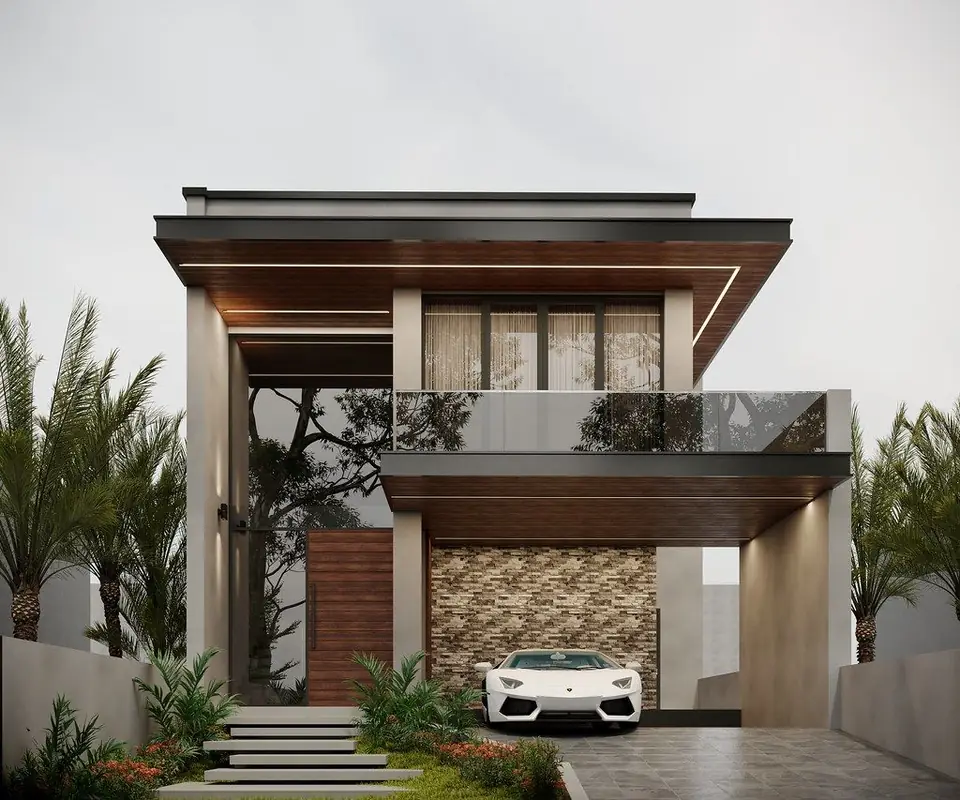
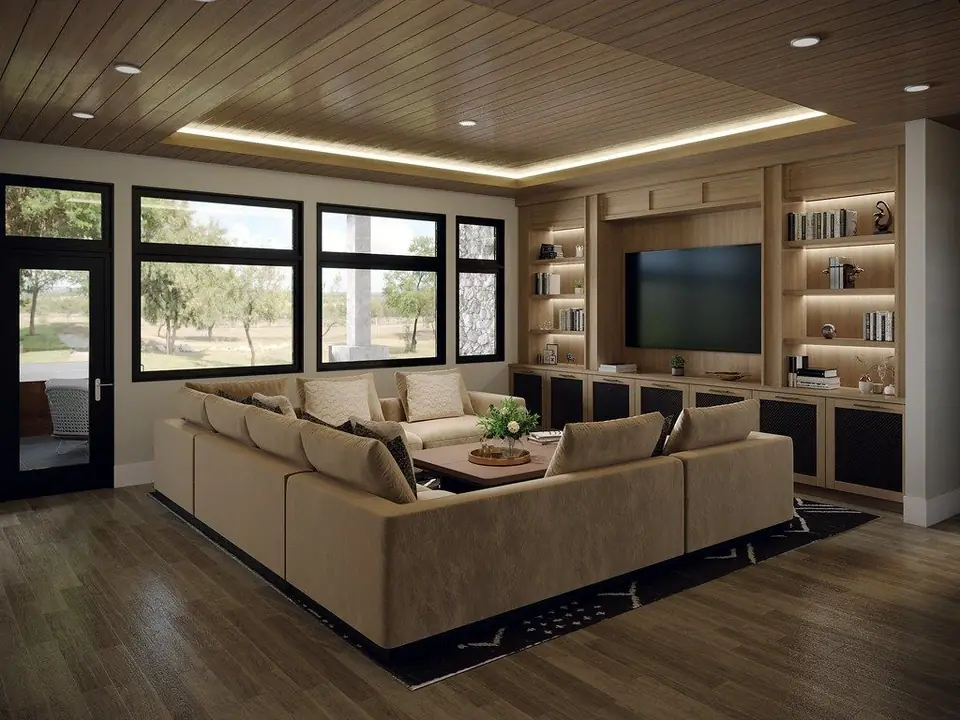
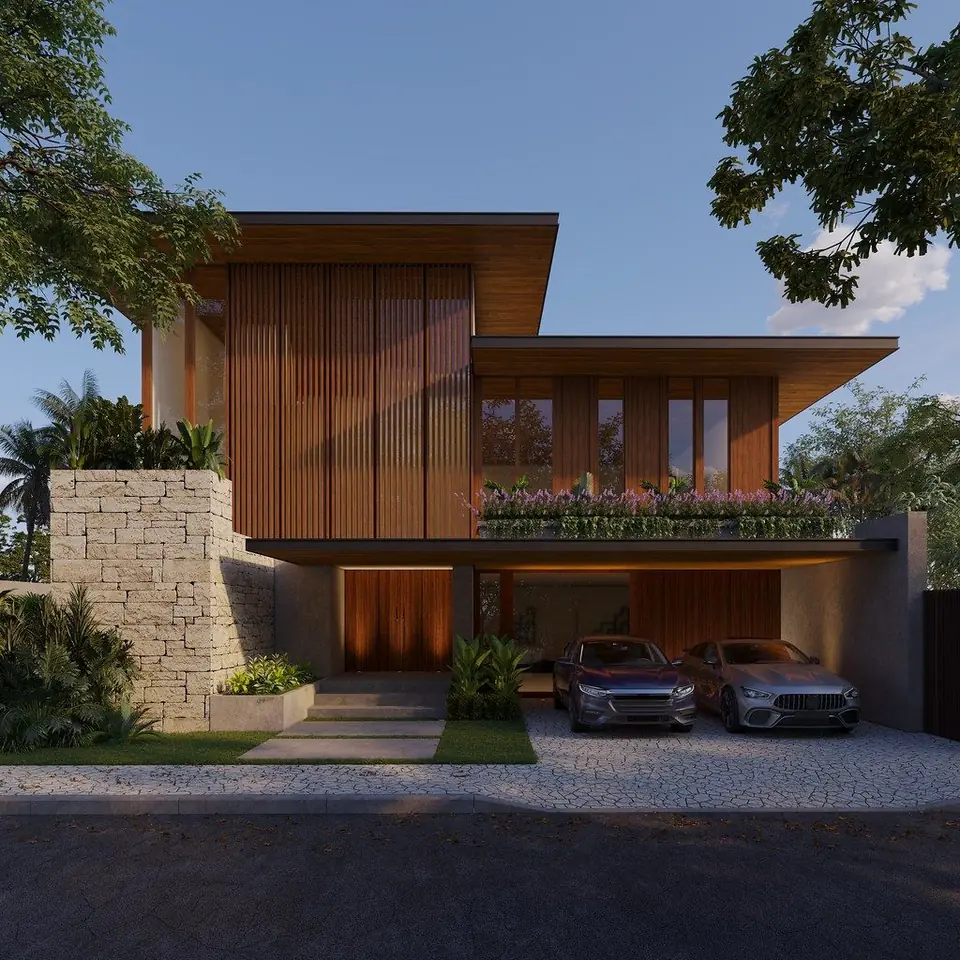
The imagery speaks for itself
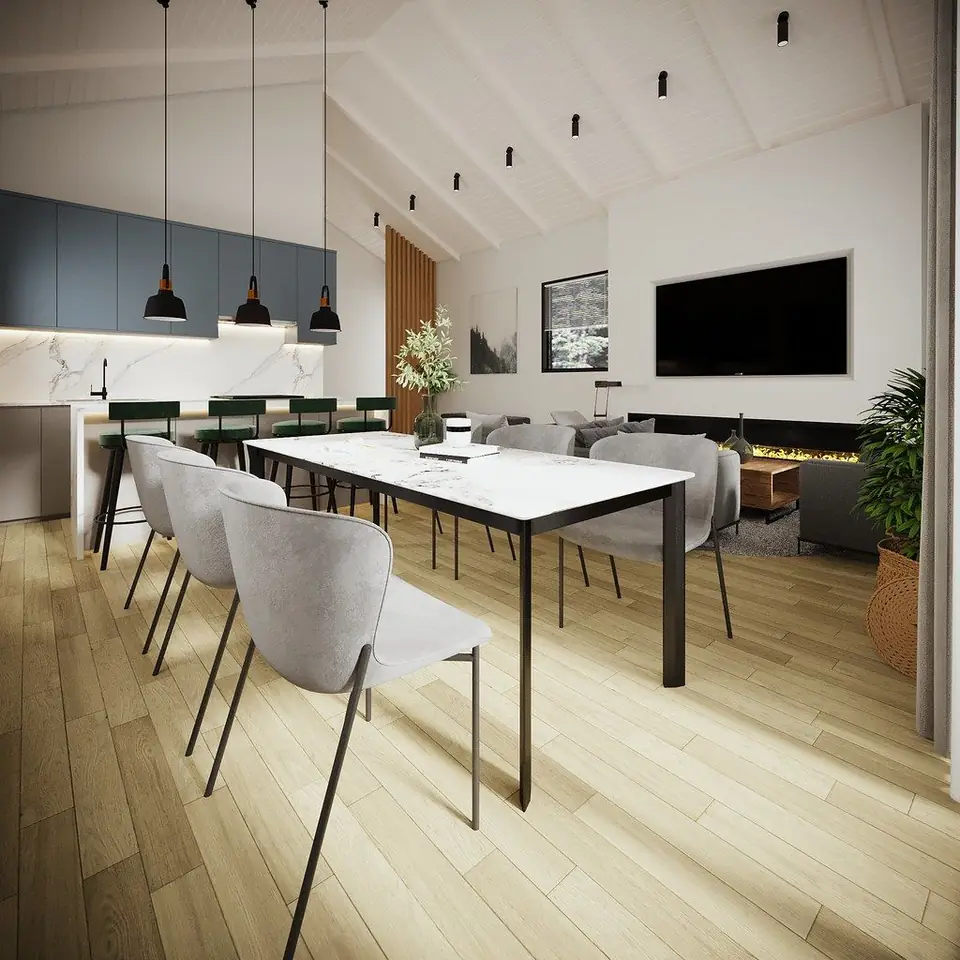
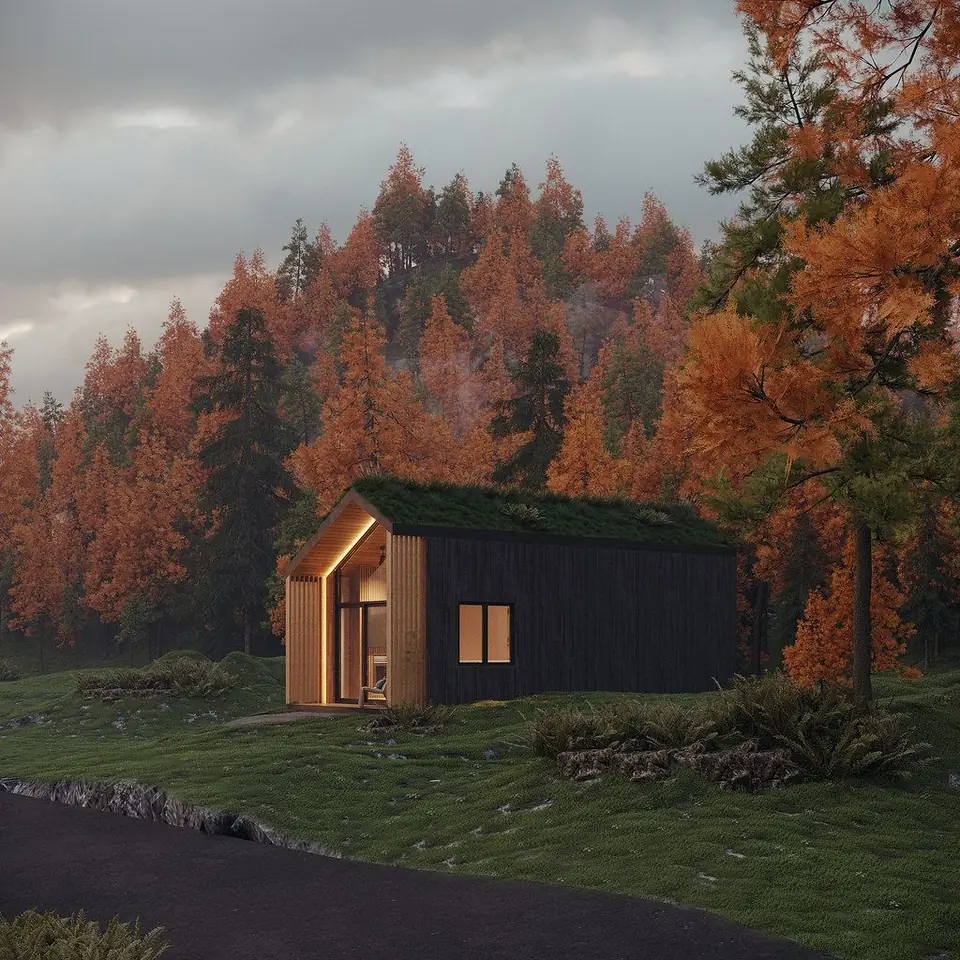
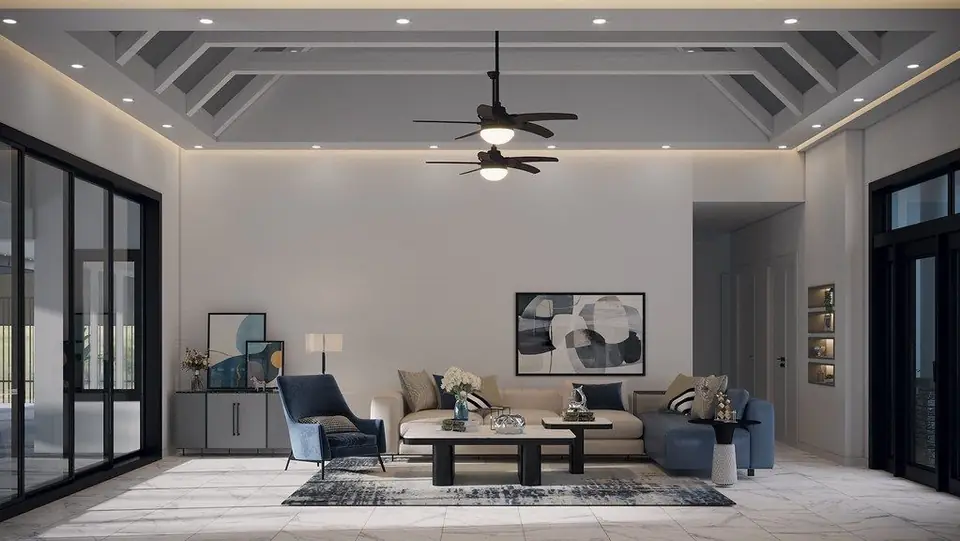
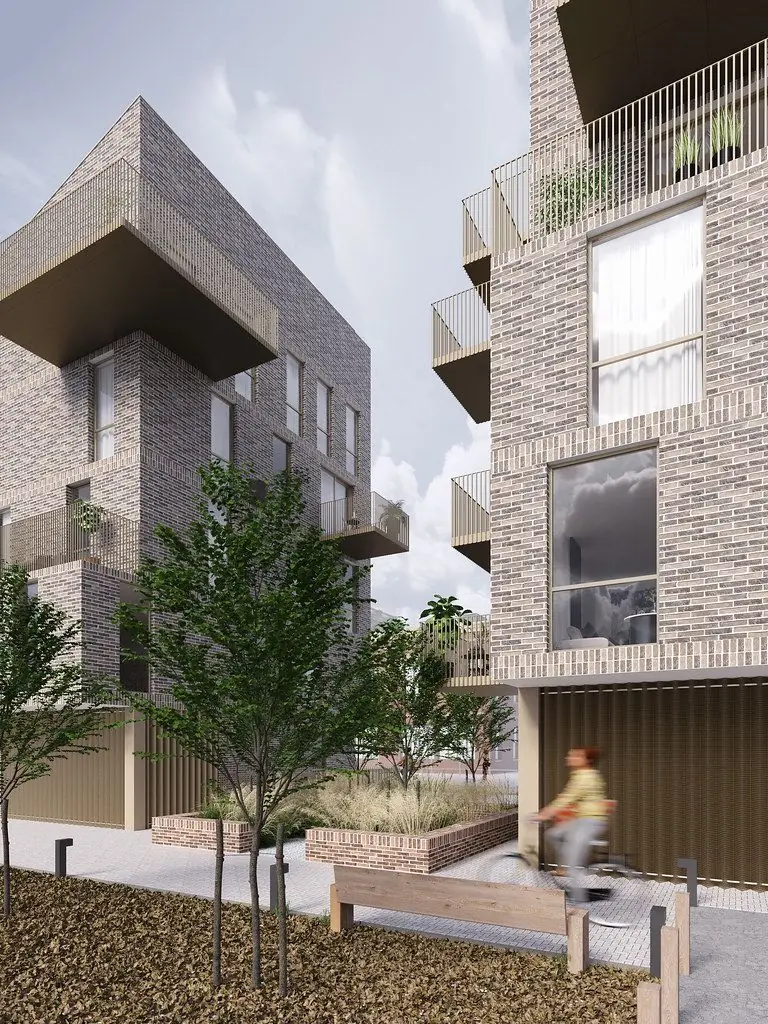
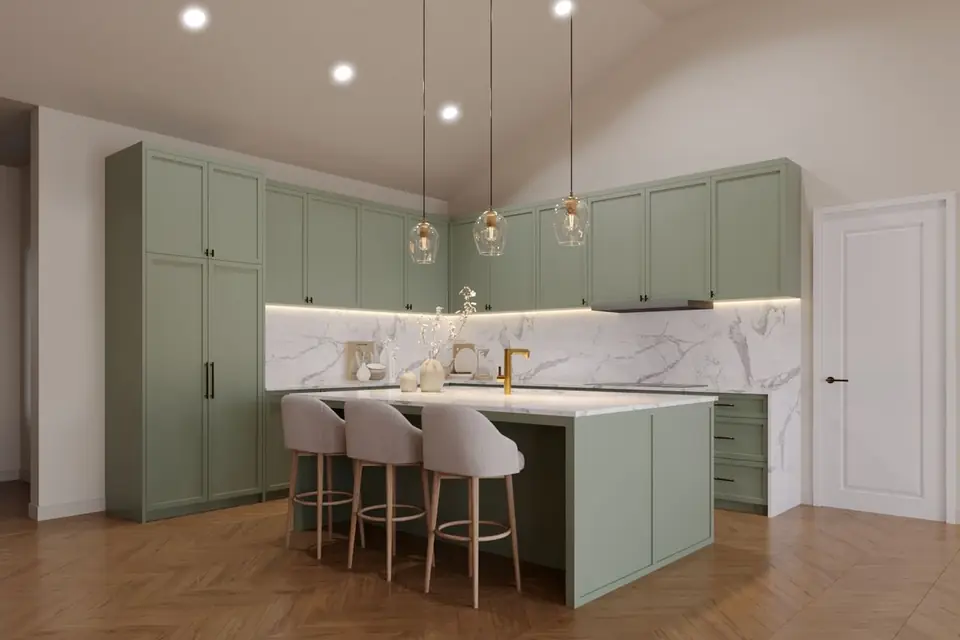
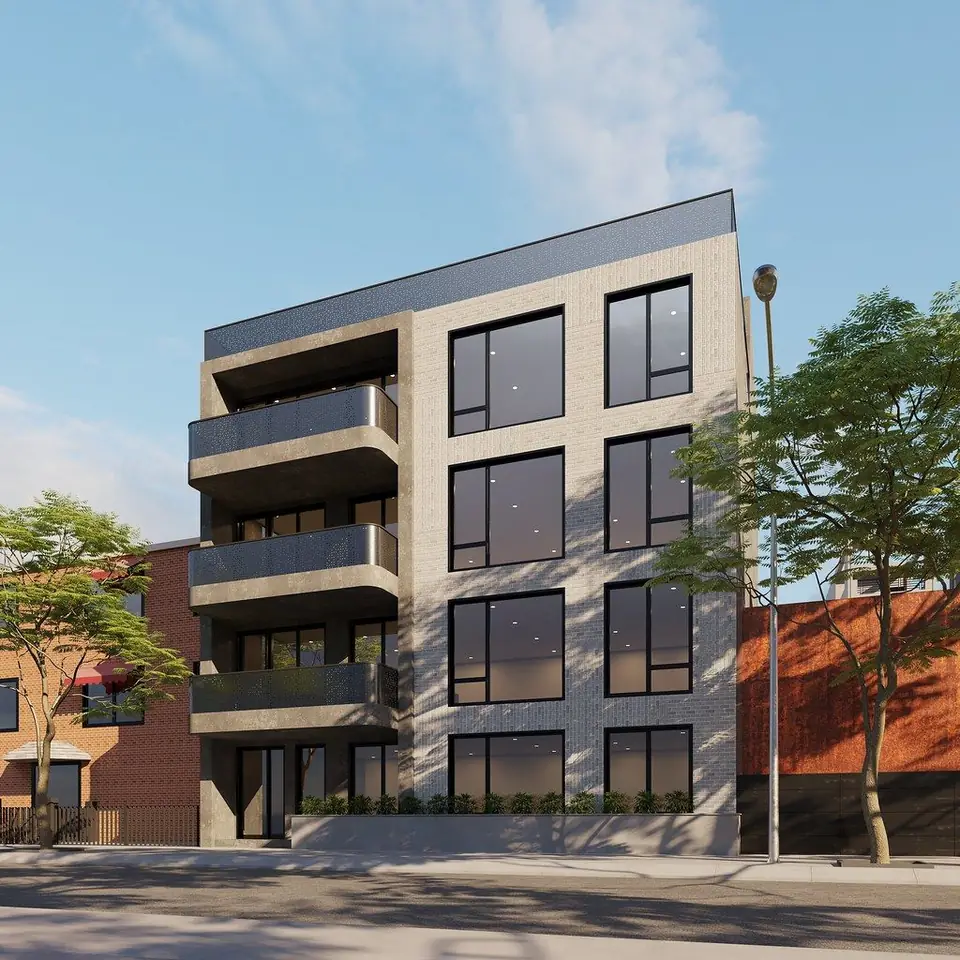
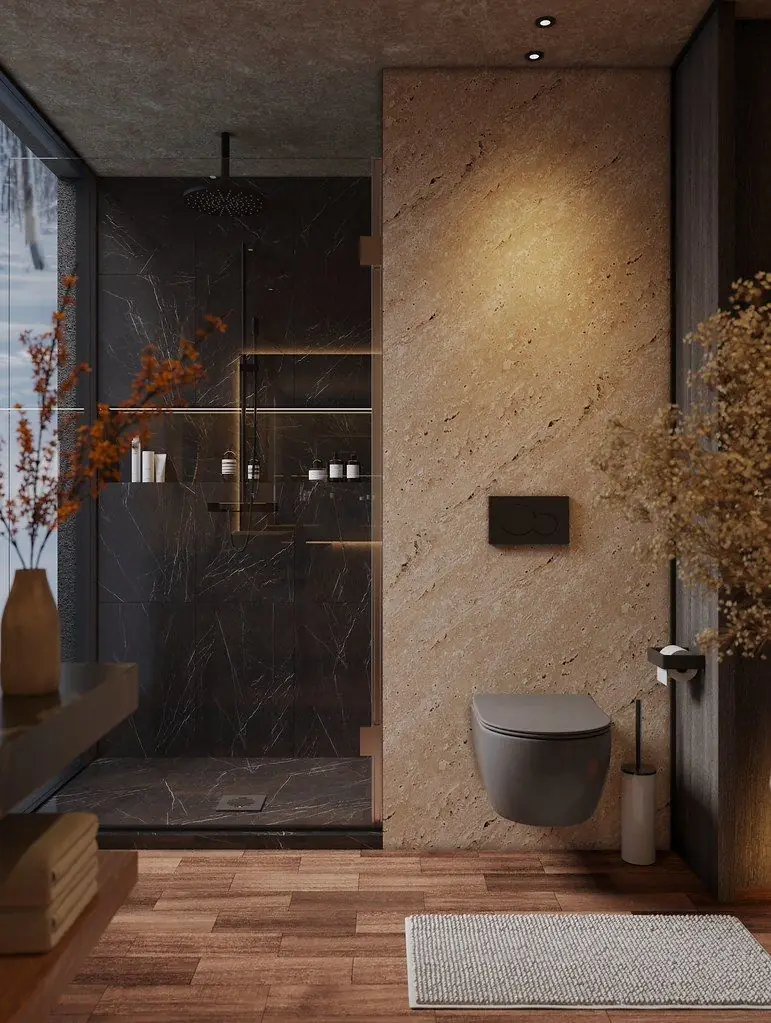
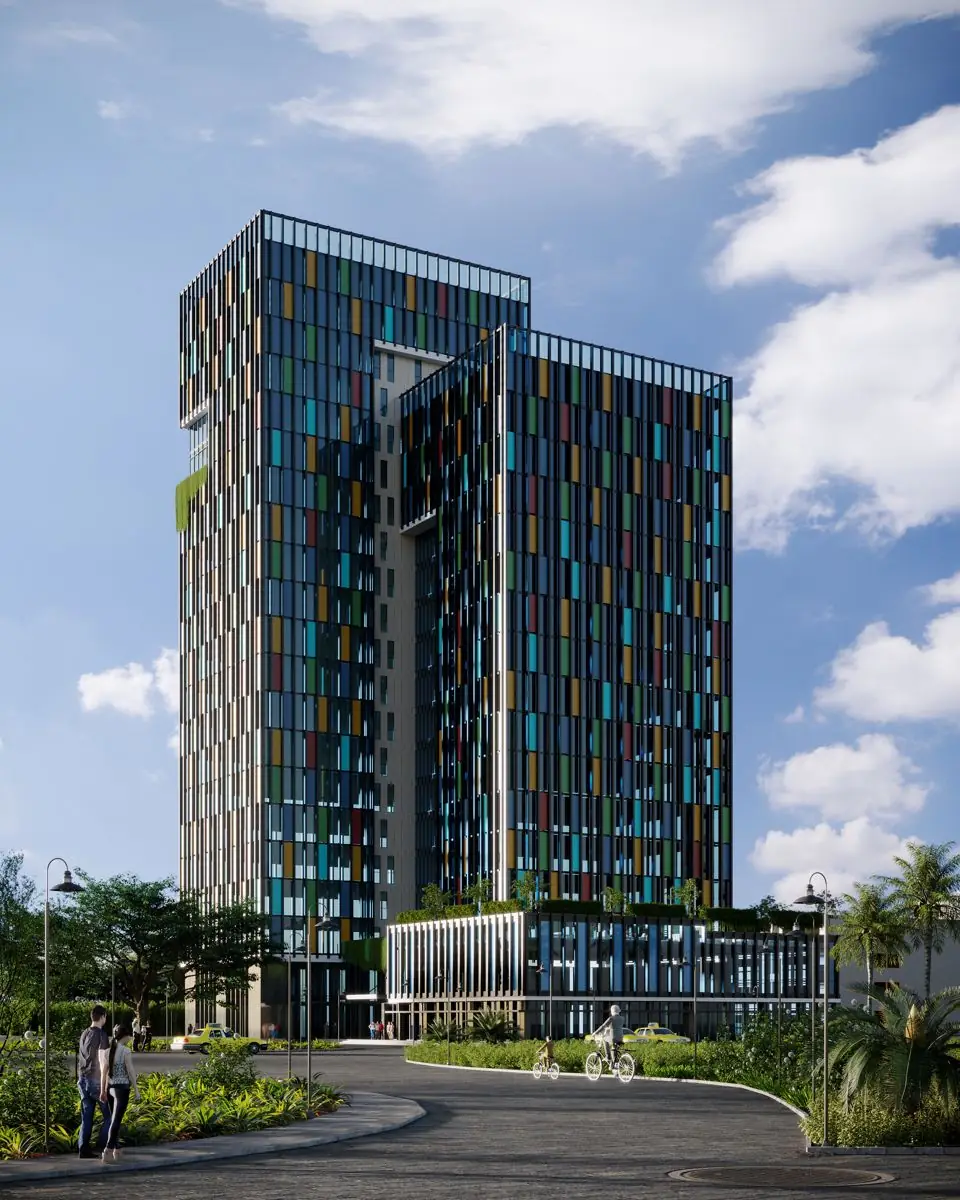
A few frames from Lesmee's architectural and interior visualization projects — exterior, interior and landscape.
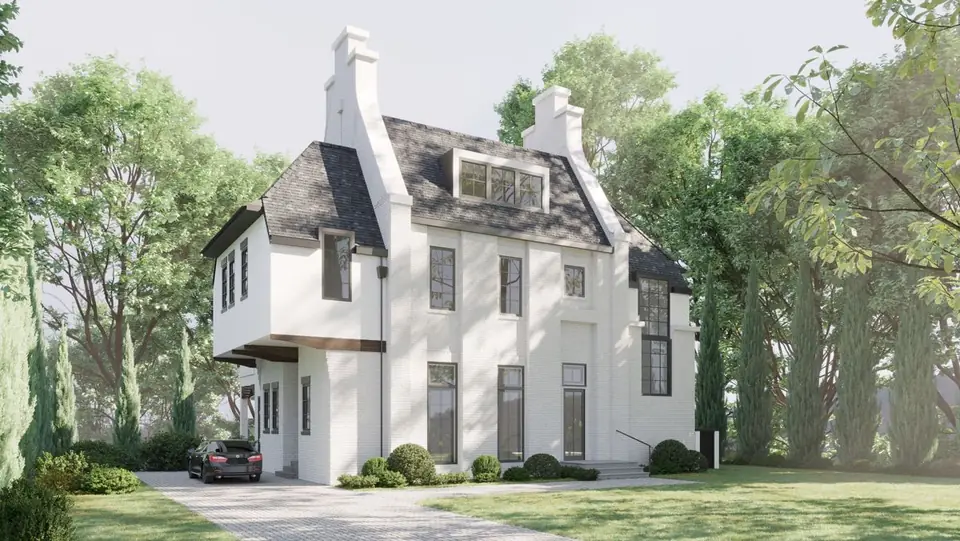 Exterior
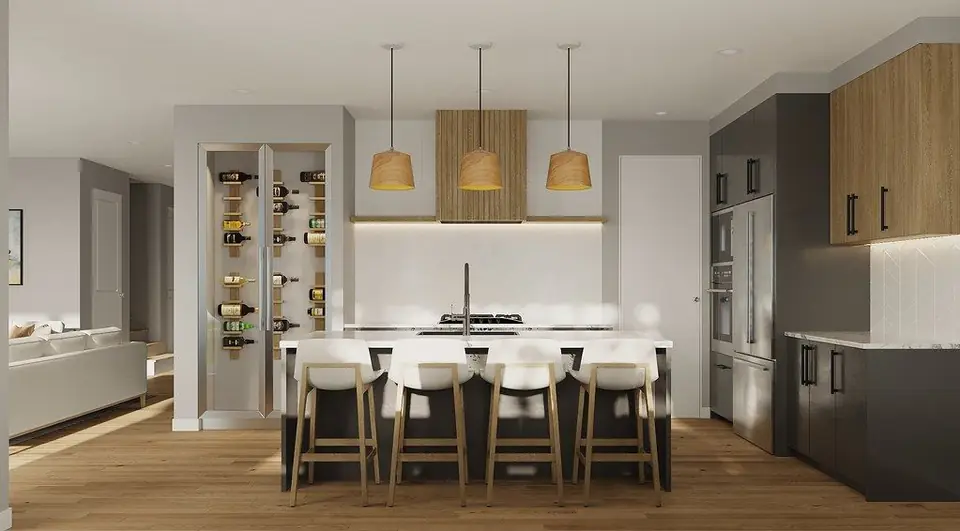 Interior
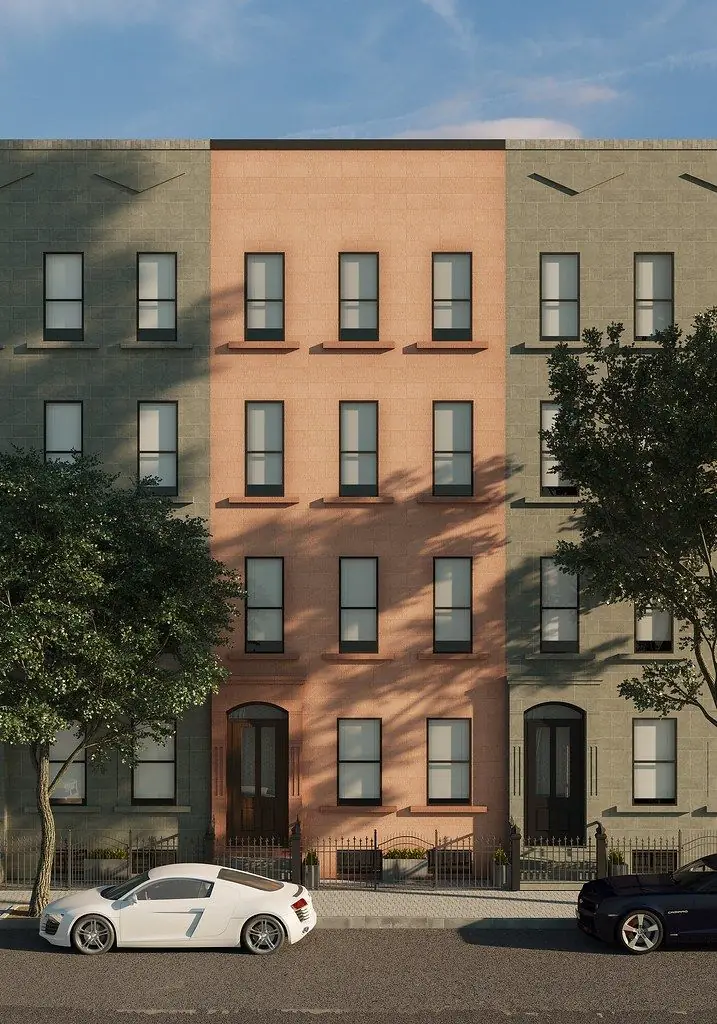 Exterior
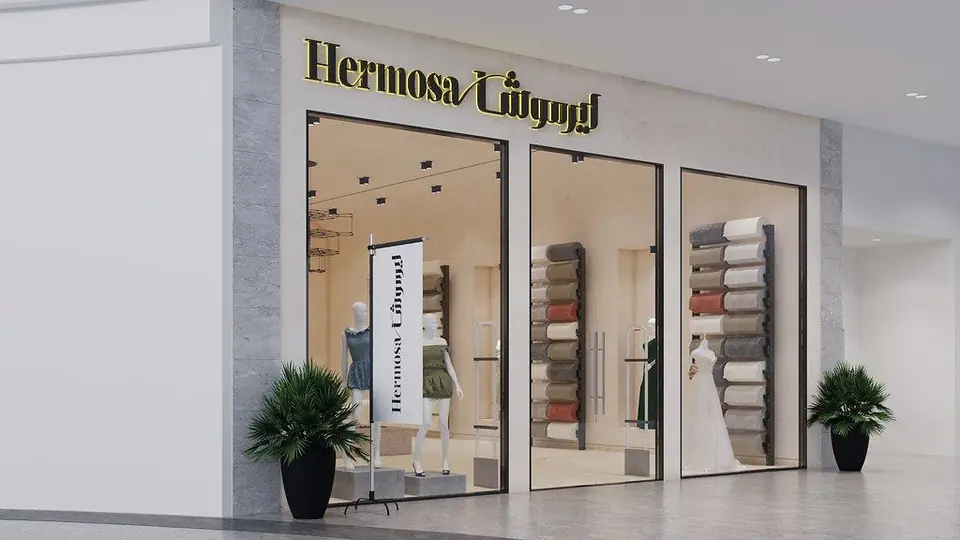 Interior
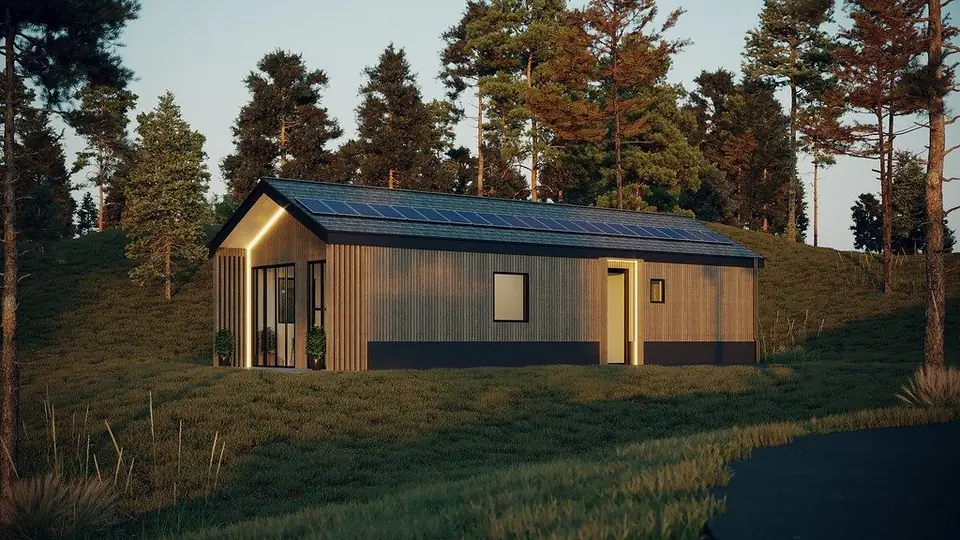 Exterior
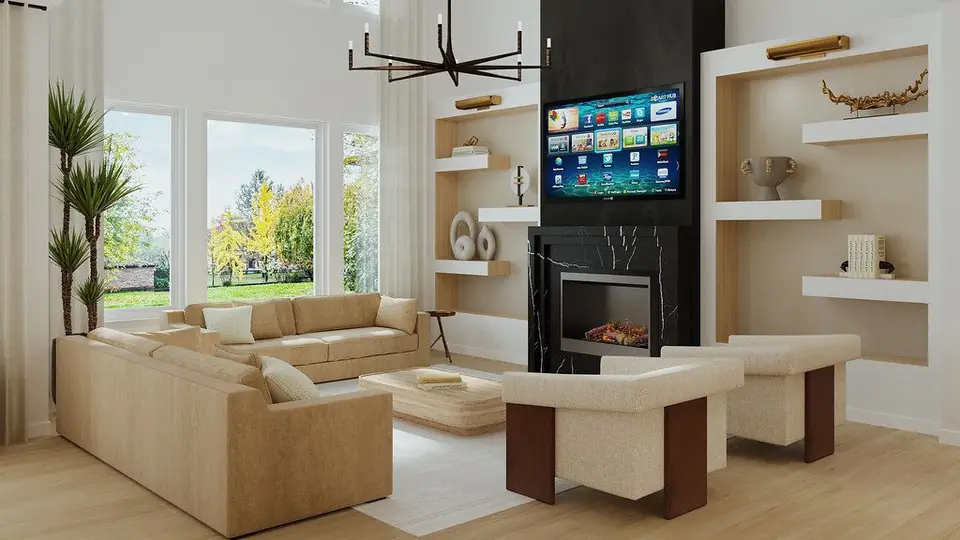 Interior
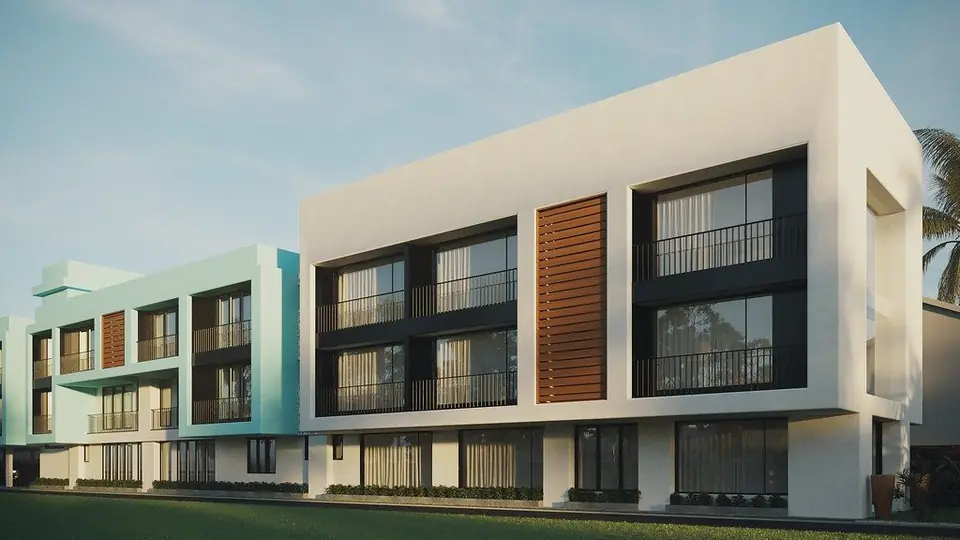 Exterior
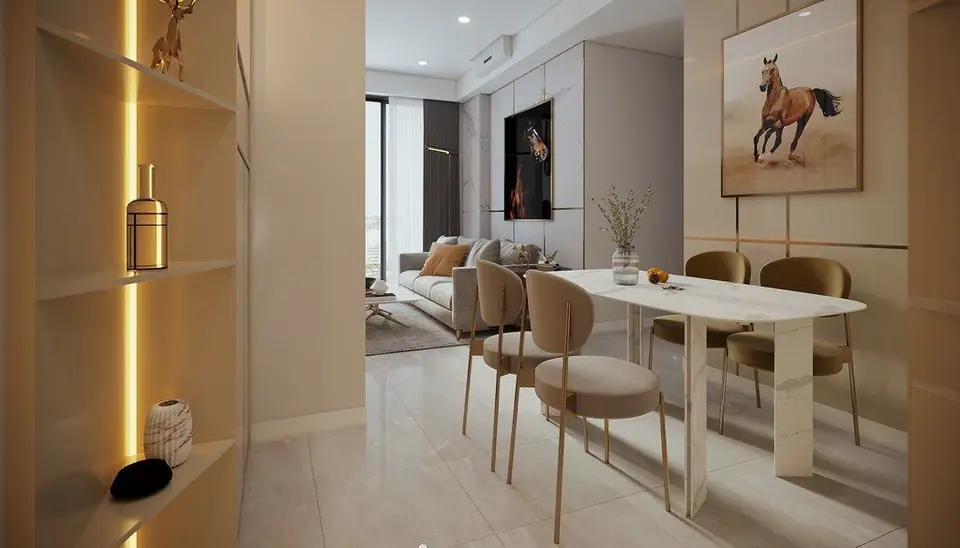 Interior
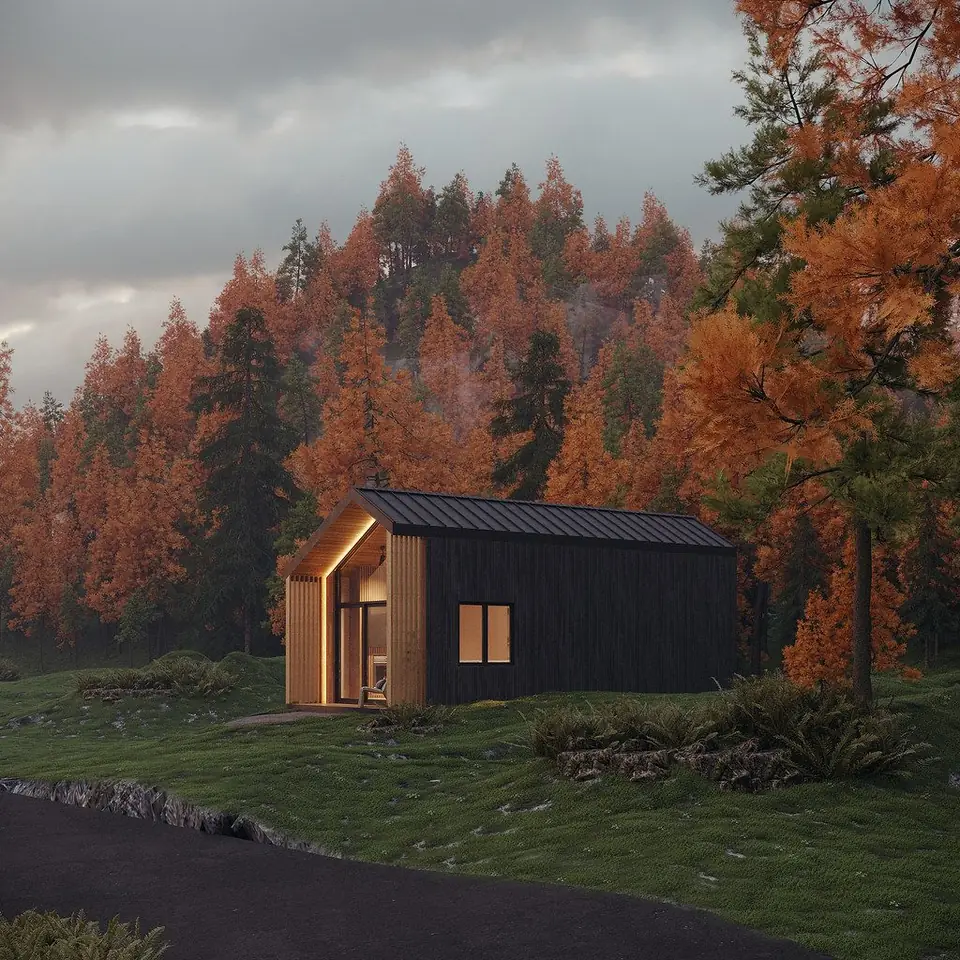 Exterior
 Interior
 Exterior
 Interior
 Exterior
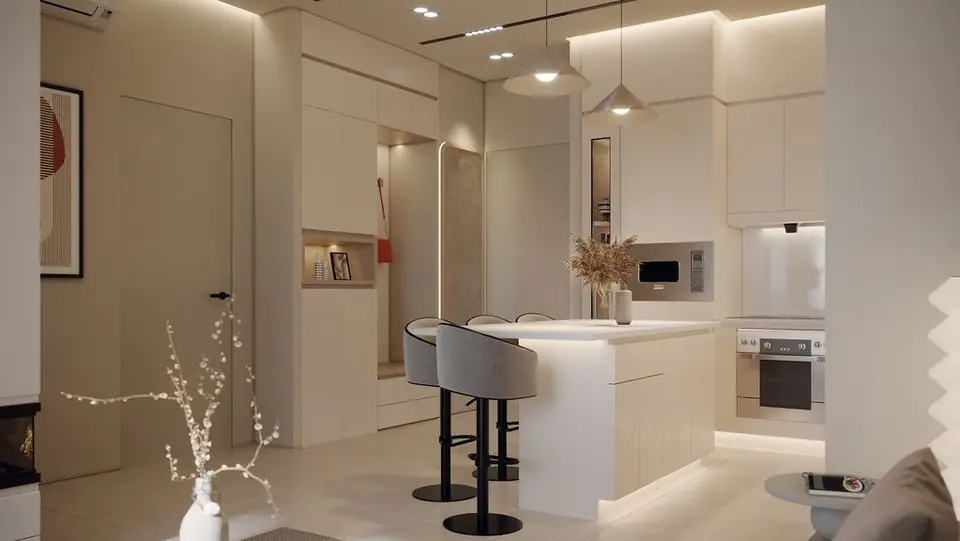 Interior
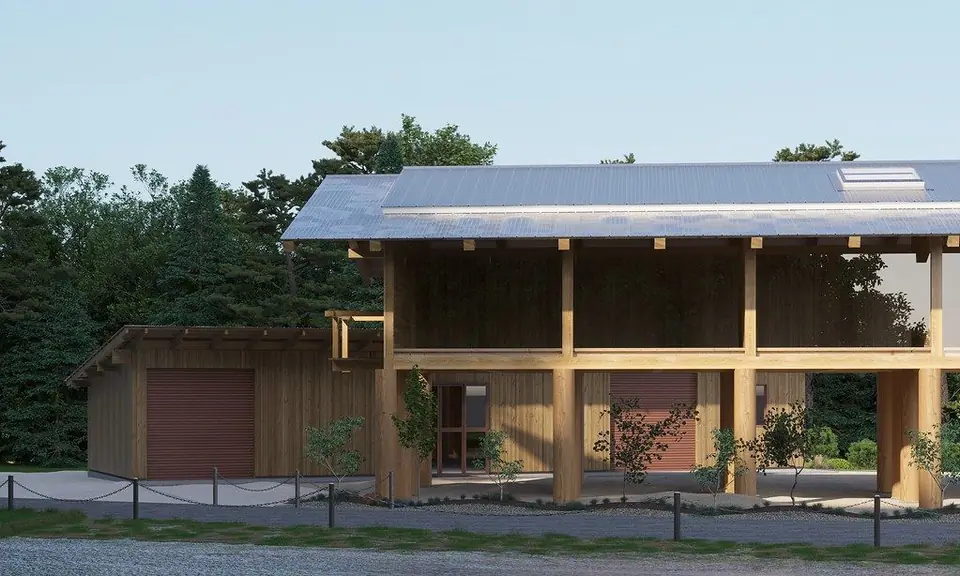 Exterior
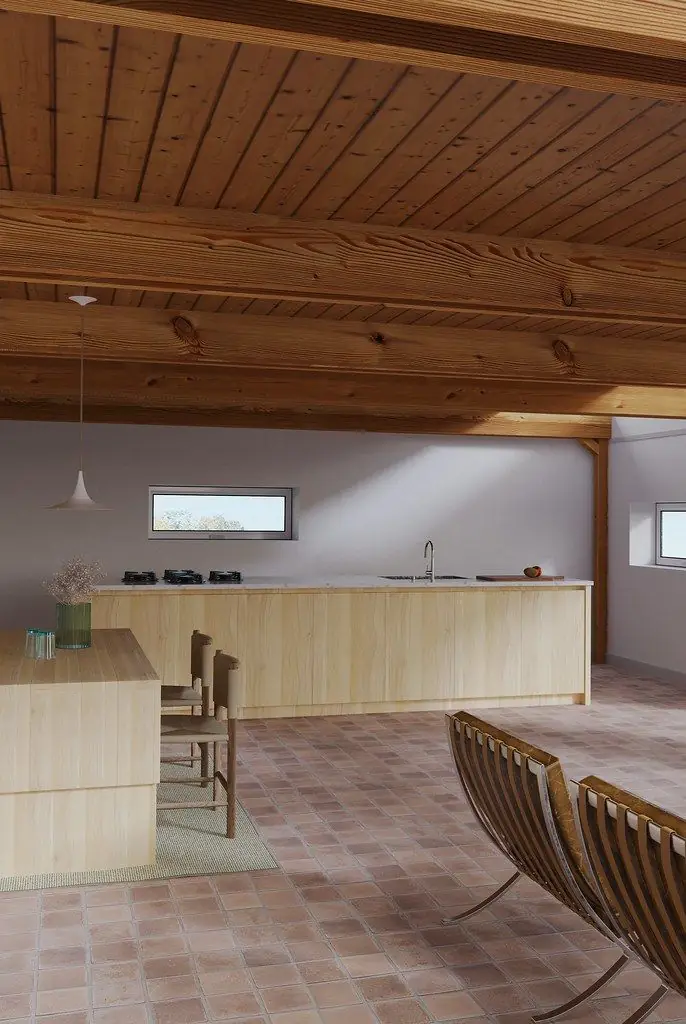 Interior
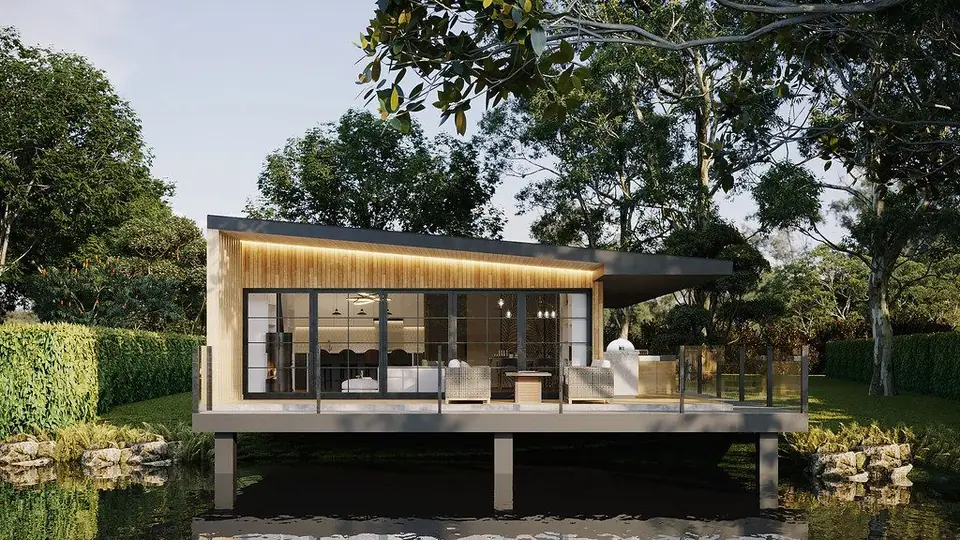 Exterior
 Interior
 Exterior
 Interior
 Exterior
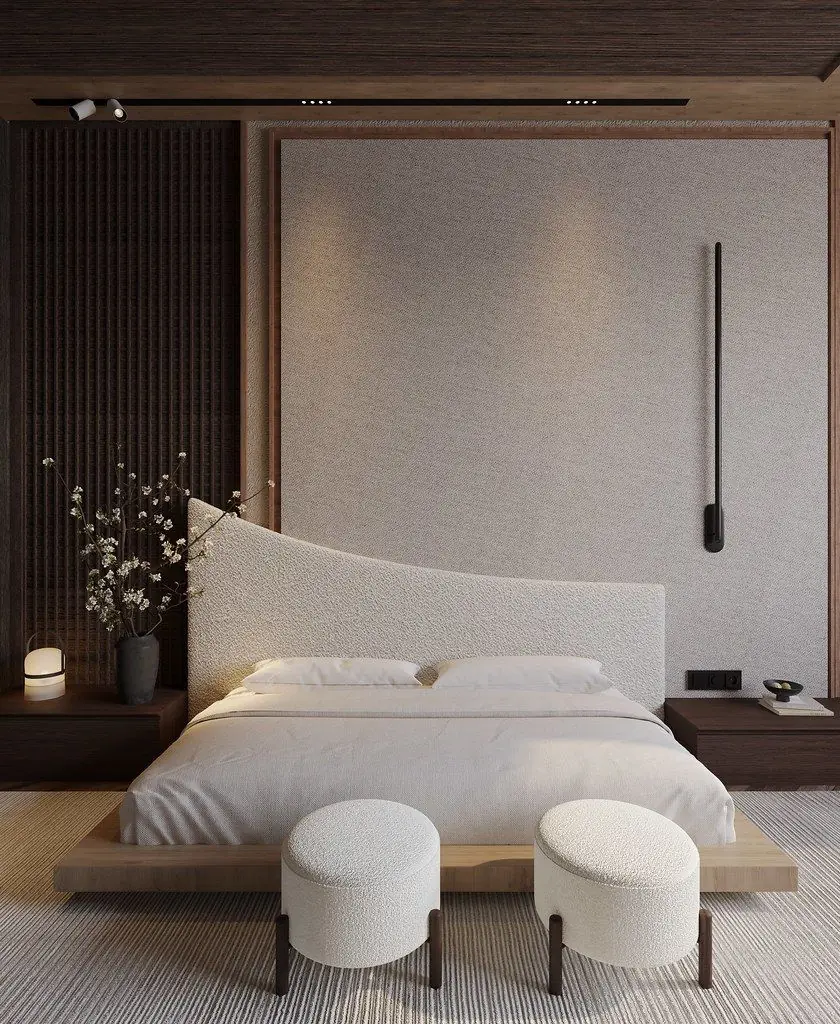 Interior
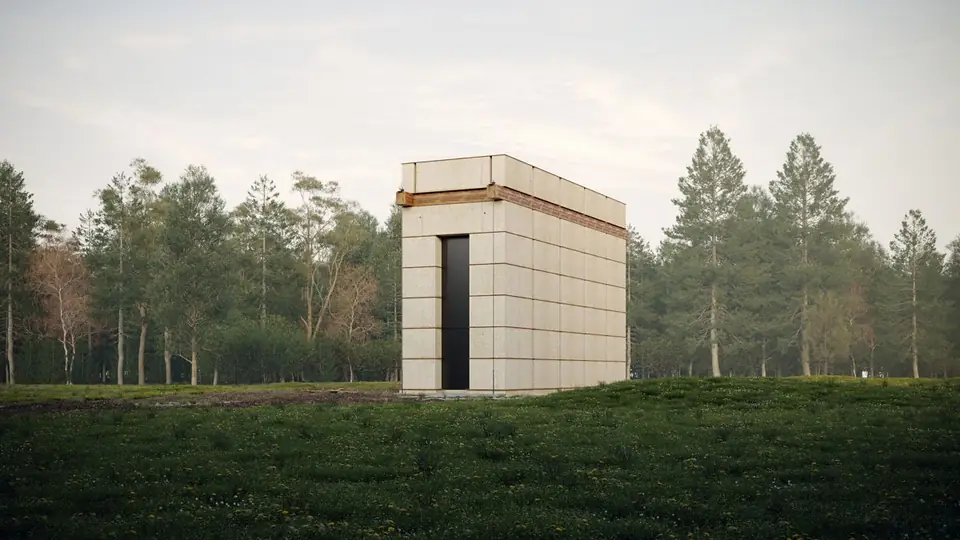 Exterior
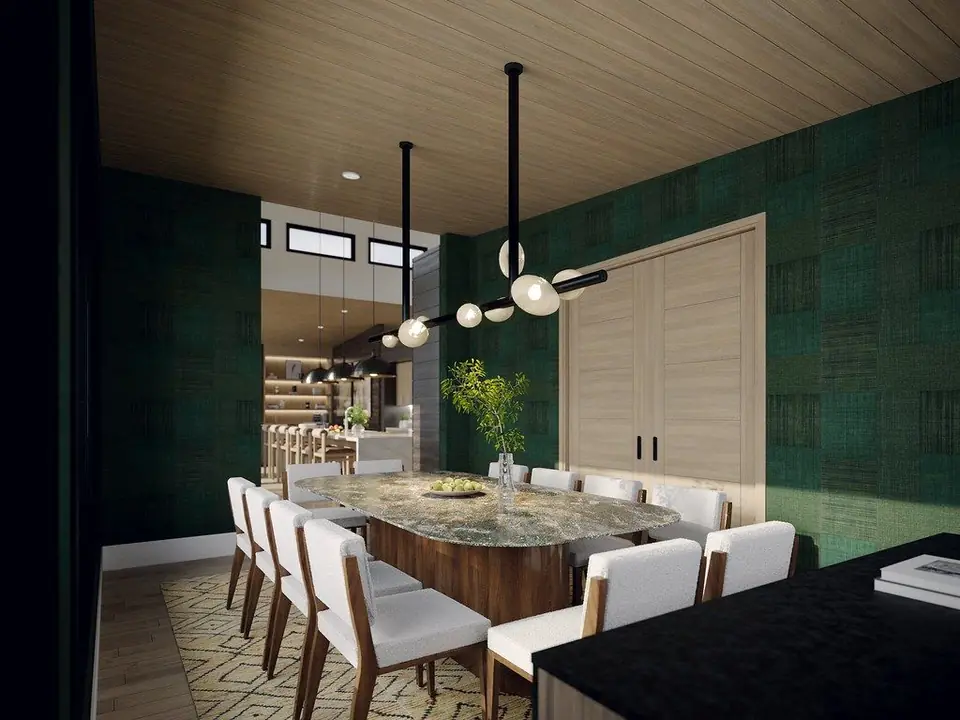 Interior
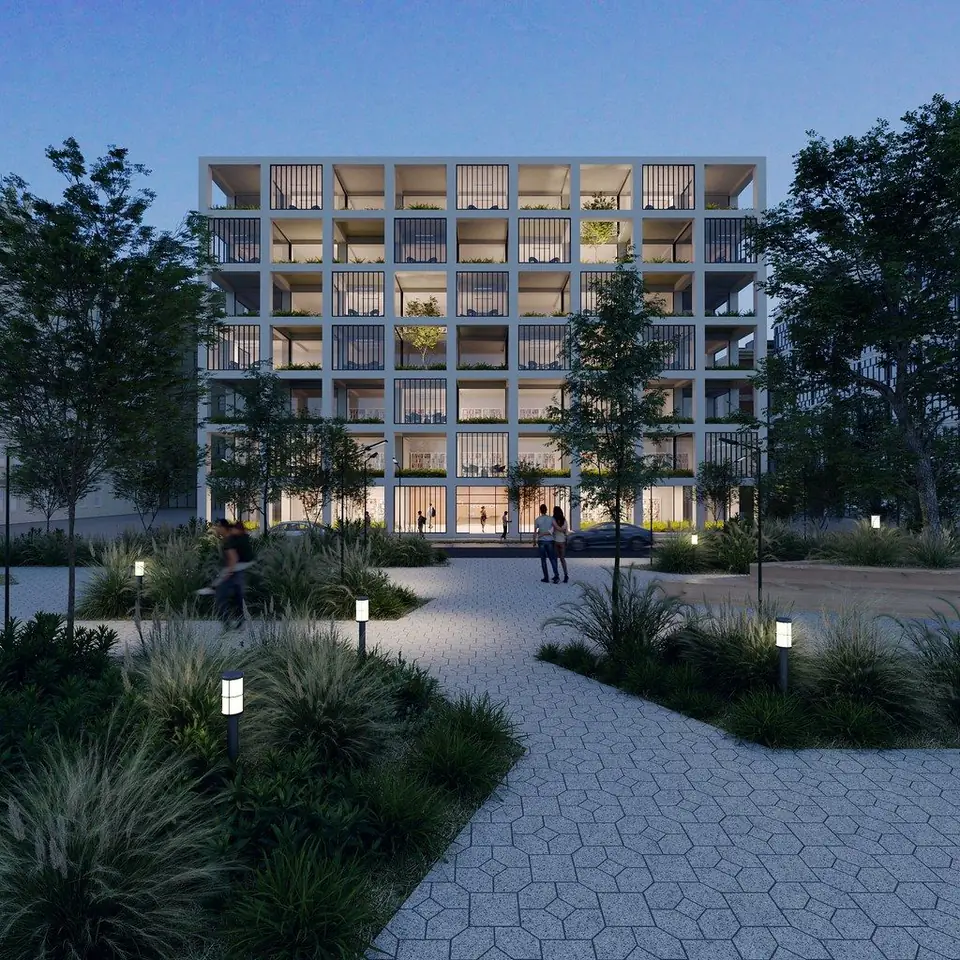 Exterior
Interior
Exterior
Interior
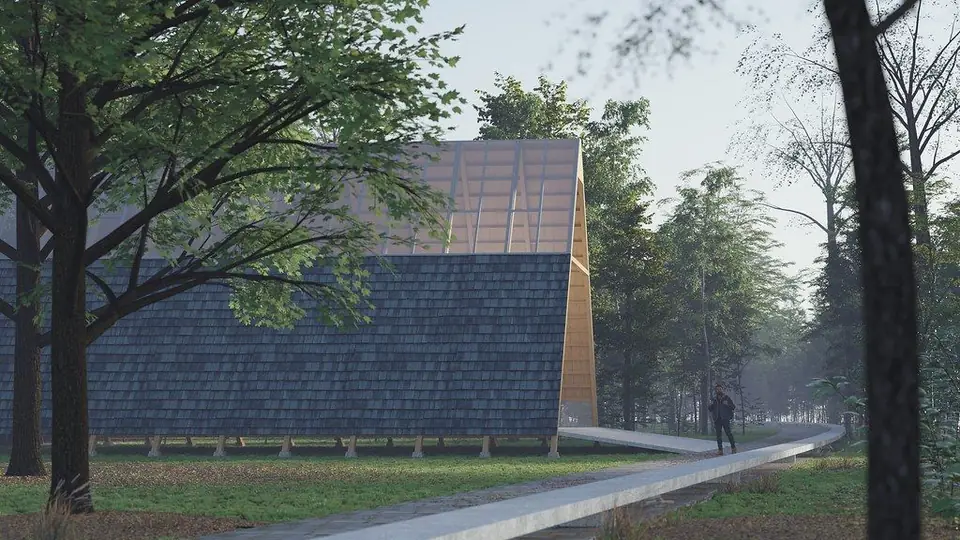 Exterior
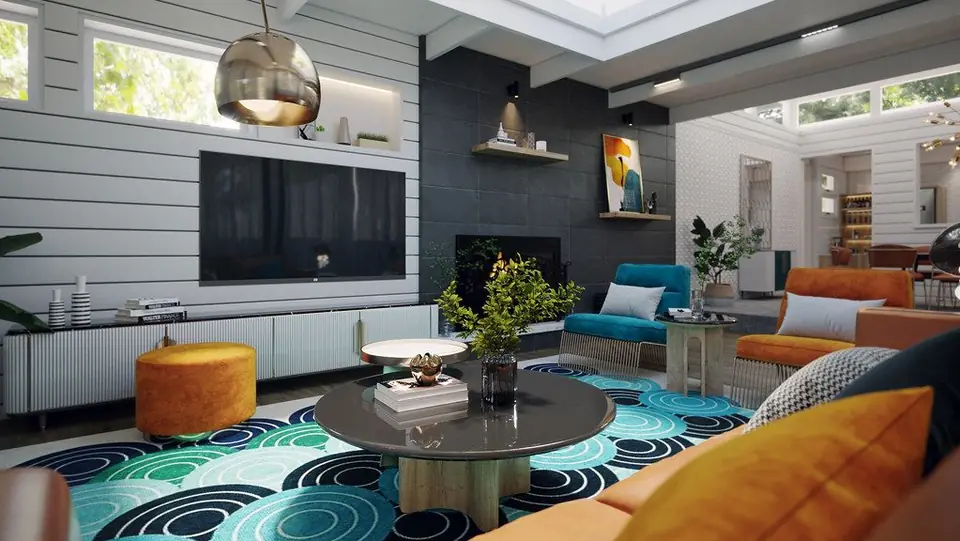 Interior
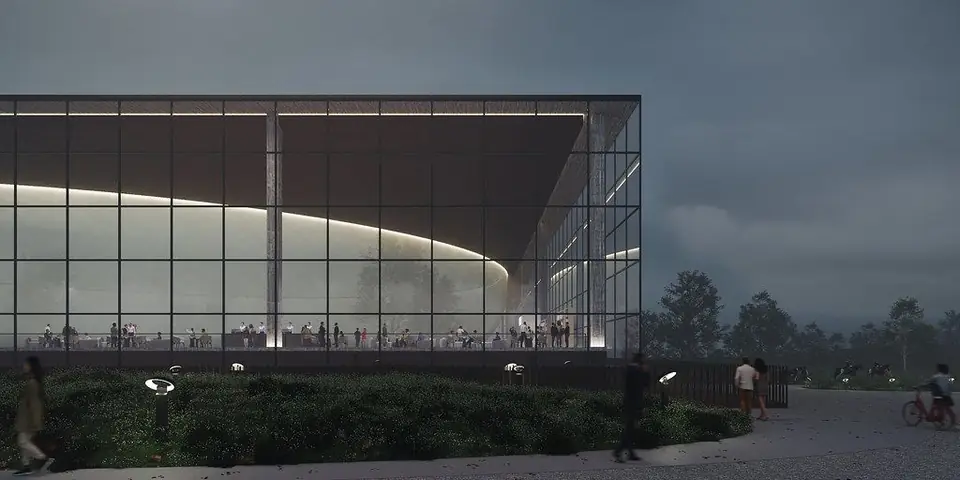 Exterior
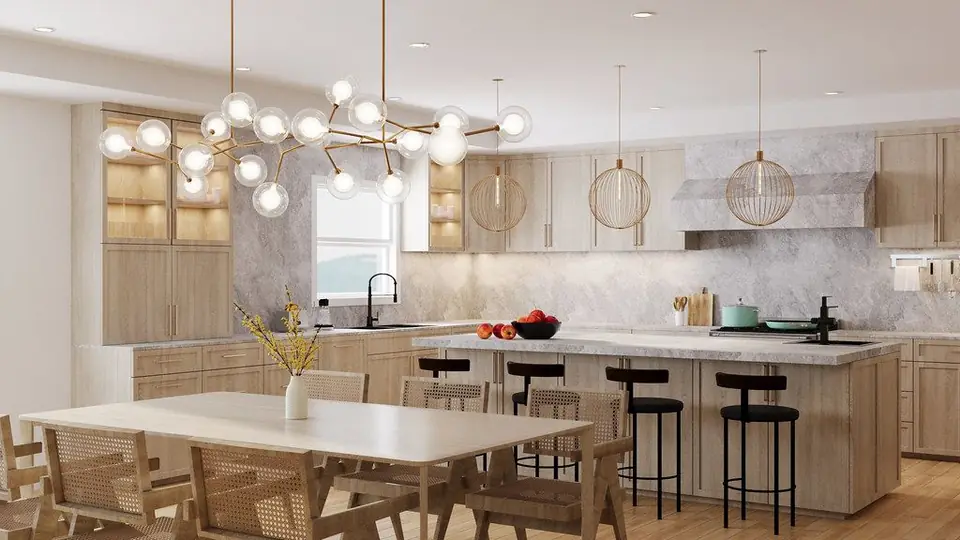 Interior
Exterior
Interior
Exterior
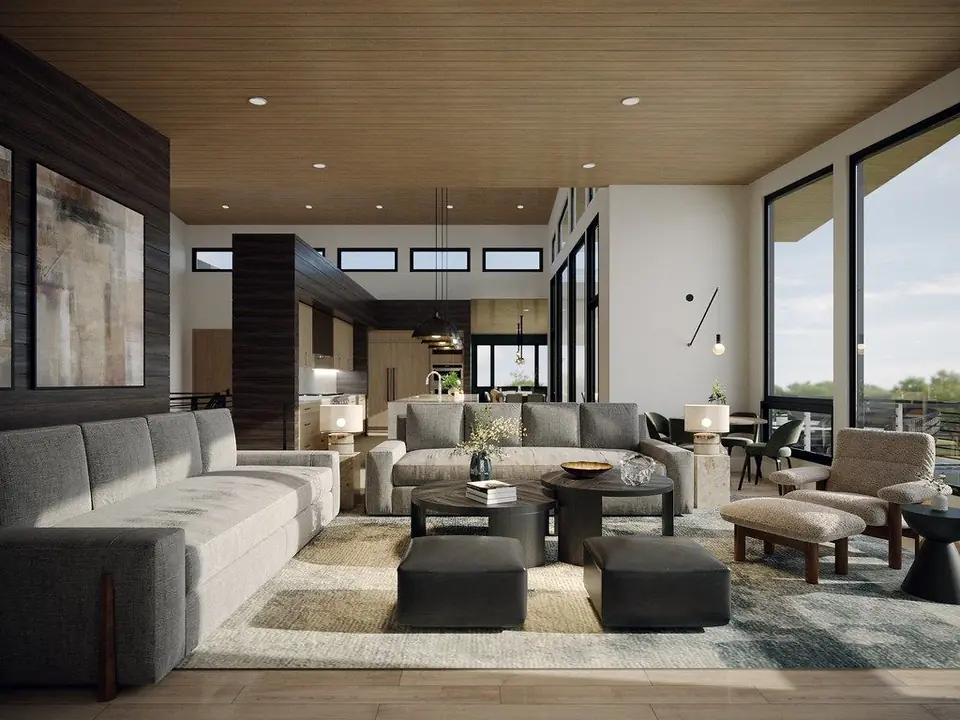 Interior
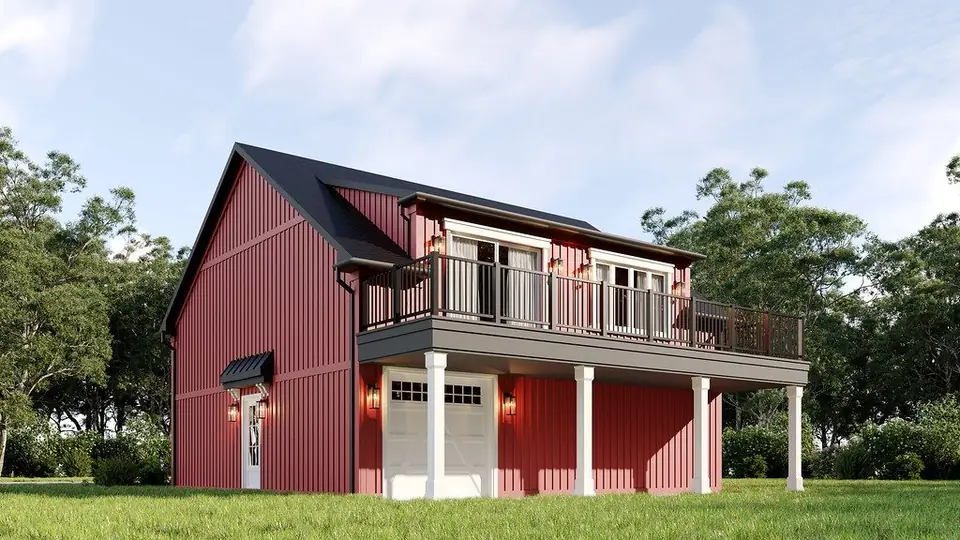 Exterior
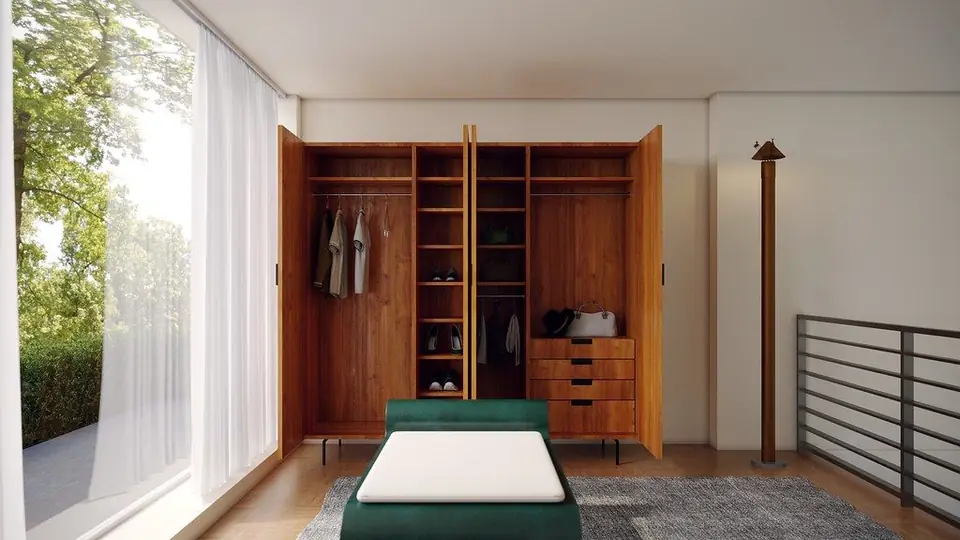 Interior
Exterior
Interior
Exterior
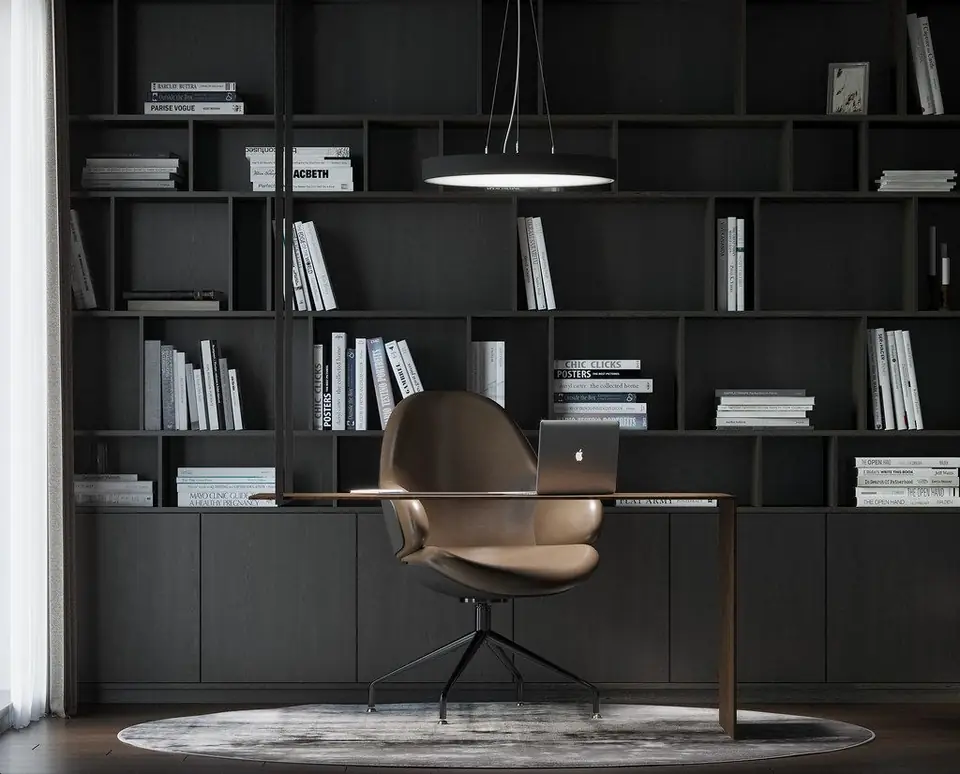 Interior
Four formats — one premium quality
From a single 3D model set, Lesmee produces multiple presentation formats for every marketing and approval need.
Still renders
Exterior & interior shots built from 3D models with physically based lighting, at the resolution agreed for your project, as JPG or PNG (TIFF or layered PSD on request). Cinematic, architectural-editorial or hyper-realistic styles.
3D animation film
Short 3D walkthrough films that guide viewers through each space; length and format agreed per project.
360° panoramas
High-resolution equirectangular panoramas, viewable in any web browser — clients stand inside and look around in any direction.
Interactive virtual tour
Multi-point virtual tours, embeddable or shared by private link, with online hosting from Lesmee — a seamless walk-through of the building.
Cinematic quality, transparent workflow
- Camera angles approved firstYou sign off camera angles on a gray draft within 48 hours, so revisions focus on materials and light.
- Intuitive project managementLesmee provides an intuitive, convenient 3D-render project management system — track progress and review approvals through each QC round in your own portal.
- Layered quality controlA Director sets direction, QC checks every output, Designers & Editors handle detail — each role with its own competency matrix.
- Proven at scaleOver 50,000 projects delivered, serving clients in North America, the UK & Europe.
- AI-accelerated, cost-optimizedAI applied to repetitive steps shortens production time and lowers cost — you get your visuals faster and at a better price.
- Human craft at the coreArtists refine every frame by hand — keeping aesthetics, real emotion and consistency in sync across the whole project, which AI alone can't deliver.
projects delivered
From drawing to render in 4 steps
Simple, transparent and on time — the Lesmee team walks with you from brief to source-file delivery.
Intake & quote
Send drawings (DWG/PDF/Revit) and a brief; Lesmee quotes by view count & complexity within 24 working hours.
3D build & layout
We build the model from your drawings; the first feedback round covers scale, composition and massing.
Lighting, materials & render
We apply materials, light the scene to the real sun direction, and render at high resolution on a render farm.
Post, QC & delivery
Color post, QC against an internal checklist, delivery via the client portal.
Every project, a tailored solution
Cost depends on frame count, complexity and output format. Send your drawings for an accurate quote within 24 hours.
Residential interior render
3 images delivered
Commercial interior
3 images delivered
Residential exterior
3 images delivered
Commercial exterior
2 images delivered
Animation video
Animated video from your script
360° Render
Interactive 360° panorama
Quick answers about our render service
How is architectural rendering priced?
Pricing is per project, based on image count, complexity and format. Residential interiors from $90/space, exteriors from $250/project. Send your drawings for a quote within 24 hours.
How long is delivery?
The gray draft arrives in 48 hours. Final images follow 3–5 working days after you approve the camera angles.
What formats does Lesmee deliver?
Photorealistic stills as JPG or PNG at the agreed resolution (TIFF or layered PSD on request), 3D animation film, 360° panoramas and virtual tours — all from one 3D model set.
What do I need to get started?
Architectural drawings (DWG/PDF/Revit), reference images or a moodboard, and a short brief. Lesmee will advise and quote.
Do you support revisions?
Yes. You approve camera angles on a gray draft first, then get one free revision round after the draft and one after the final images, within the agreed brief.
Send your drawings —
get a sample render
Leave your details and drawings — the Lesmee team will offer a free consultation and send a quote with a delivery plan within 24 hours.
By submitting, you agree to let Lesmee contact you.
Gallery
Who this service is for
-
Architects & interior designers who need consistent, high-end visualization for presentations, approvals, and portfolio delivery
-
Real estate photography/media agencies who require premium CGI output aligned with marketing standards and tight timelines
What we deliver (core outputs)
-
Still Renders (Interior / Exterior): photorealistic hero shots and supporting angles
-
360 Panorama: immersive single-point views for web/mobile presentation
-
Virtual Tour: interactive experience built from multiple 360s and/or real-time scenes (platform and scope by agreement)
-
3D Animation Film / Walkthrough: motion storytelling designed for marketing—camera choreography, pacing, mood lighting, and sellable details
Final output specifications (resolution, format, aspect ratio, platform requirements) are defined by agreement per project.
Quality levels: GOOD vs PREMIUM
GOOD
Accurate to the brief and presentation-ready: correct layout, primary materials, coherent lighting, and clean composition—ideal for design review and approvals.
PREMIUM (Lesmee’s flagship)
Everything in GOOD, plus marketing-grade refinement:
-
Cinematic composition designed like a shot list (hero + supporting + detail logic)
-
Stronger realism via refined lighting behavior and micro-material response
-
Higher consistency across all views (one coherent mood and “brand feel”)
-
Stricter technical cleanliness (noise control, artifact checks, sharper edges, balanced post)
Process overview (single-page friendly)
-
Brief Intake & Asset Check → confirm scope, outputs, and identify missing inputs
-
Style Lock → align mood, material direction, and camera intent early
-
Production → modeling → lighting → rendering → post-production
-
Internal QC → checklist-based review before client delivery
-
Client Review & Revisions → implement consolidated notes + re-QC
-
Final Delivery → final files delivered in agreed formats; source files optional by agreement
Architectural illustration provides numerous crucial
benefits in the design and presentation of construction projects. Here are some
key advantages of using architectural illustration:
- Enhanced
Project Understanding: Helps clients, investors, and stakeholders to better understand the space and
details of the construction project.
- Increased
Interaction: Creates vivid and engaging images, enhancing interaction and interest from
partners and clients.
- Persuasive Marketing: Supports the sales and advertising process by visually demonstrating the
features and benefits of the project.
- Early Detection of
Design Flaws: Enables designers to identify and rectify design flaws early on, saving time
and costs.
- Showcasing Design
Concepts: Allows designers to express and present their design ideas more clearly and
authentically.
- Virtual Reality
Simulation: Generates 3D models to simulate the virtual reality of the project, making it
easier for viewers to imagine the space.
- Facilitates Design
Changes: Provides flexible editing capabilities to meet the specific needs and
requirements of clients.
- Quality Marketing
Material: Enhances marketing and advertising quality through the use of unique and
high-quality images and videos.
- Real-Time
Visualization: Facilitates real-time visualization of design concepts for better
decision-making.
- Optimizes Design
Process: Helps optimize and streamline the design process by easily presenting and
testing various design ideas.
In summary, architectural illustration is not just a
decorative tool but also a vital support for the design and marketing of
construction projects.
What we do with your
project:
Here is a concise version of the interior and exterior rendering process in 4
main steps:
1. Collect Requirements and Information: Define project requirements and gather detailed information from the client.
2. 3D Modeling and Image Creation: Use 3D modeling software to create a spatial model and apply materials to
objects.
3. Lighting Setup and Camera Angles: Determine lighting conditions and set up suitable camera angles according to
project requirements.
4. Rendering, Editing,
and Delivery: Utilize rendering software to generate high-quality images. Edit as needed,
export images in the required format, deliver to the client, and make
adjustments based on feedback.
Scope of Work:
Exterior:
Architectural structures and interior landscapes.
Objects outside the project scope may be reconstructed with high or low detail,
or excluded based on client preferences (nearby structures).
Interior:
Limited by wall boundaries and spatial constraints.
Includes ceilings, floors, furniture, and decorations.
External context beyond the project scope may be reconstructed with high or low
detail, or excluded based on client preferences (scenes outside windows,
elements within the frame but outside the drawing boundaries).
What you receive
- Grey-shaded draft of every camera angle for approval before rendering
- Final stills at the agreed resolution
- One free revision round after the draft and one after the final
File formats
- JPG and PNG at the agreed resolution
- TIFF on request
- Layered PSD on request
Grey-shaded draft in 48 hours, finals 3 to 5 business days after the angles are approved.
What to send (recommended project package)
For Interior CGI
-
Floor plan + key dimensions + ceiling height
-
Style/mood references (moodboard preferred)
-
Material list/specs (if available)
-
Furniture list (must-have items, brand preferences, “avoid list”)
-
Target feeling (luxury / warm minimal / modern classic, etc.) and audience (buyer/tenant profile)
For Exterior CGI
-
Plans/elevations/site plan (PDF/DWG/images)
-
Location context (map link + surrounding condition notes)
-
Material/spec guidelines
-
Landscape direction (density, style, season, time-of-day)
For 360 / Virtual Tour / Animation
-
Viewer journey: start point, route, key highlights (what must be “sold”)
-
Platform requirement (web/VR/listing/presentation)
-
Branding needs (logo, captions, tone), and any motion/story cues for film
How to give feedback (to reduce revision cycles)
-
Send one consolidated document per revision round
-
Use view IDs and numbered callouts (e.g., “View 03: warm up oak tone; reduce gloss”)
-
If changing direction, label references clearly as NEW DIRECTION
-
Prioritize notes: Critical / Important / Nice-to-have
What happens if information is incomplete?
We can start with partial information if it does not create conflicts. However, confirming key dimensions and style references early significantly improves accuracy and reduces rework.
Delivery & timeline principles
-
Delivery schedule is confirmed based on scope and asset readiness.
-
Output specifications (resolution/format/aspect/platform) are by agreement per project.
Revisions
-
Up to 3 revision rounds included (one round = one consolidated set of client feedback).
-
Revision support is available within 30 days after final delivery.
-
Revision requests beyond typical windows may incur additional cost depending on file availability, re-setup effort, and scope changes.
Revision vs Scope Change
Included revisions (typical): lighting balance, material tuning, décor adjustments within agreed direction, minor camera edits, small modeling corrections.
Scope changes (quoted separately): new style direction after approvals, architecture/layout redesign, adding new zones/views, major asset replacement, expanding deliverables (e.g., still → film, or adding virtual tour after stills).
Confidentiality & NDA
-
Project data is handled on a need-to-know basis internally.
-
NDA is available upon request (signed when needed).
Data retention
-
Project files are stored for up to 360 days on Lesmee systems unless otherwise agreed. After that, files may no longer be retrievable.
Limitations / refusal cases
Lesmee may decline requests that are outside the agreed scope, require unsupported deliverables without prior agreement, violate usage rights, involve restricted content, depend on missing critical assets, or request retrieval beyond retention limits.