SketchUp Modeling Services for models you keep using
SketchUp modeling services for people who open the model again next week. Geometry grouped into components, tags used properly and scenes set so your LayOut sheets come out right. Small models are finished within the day.


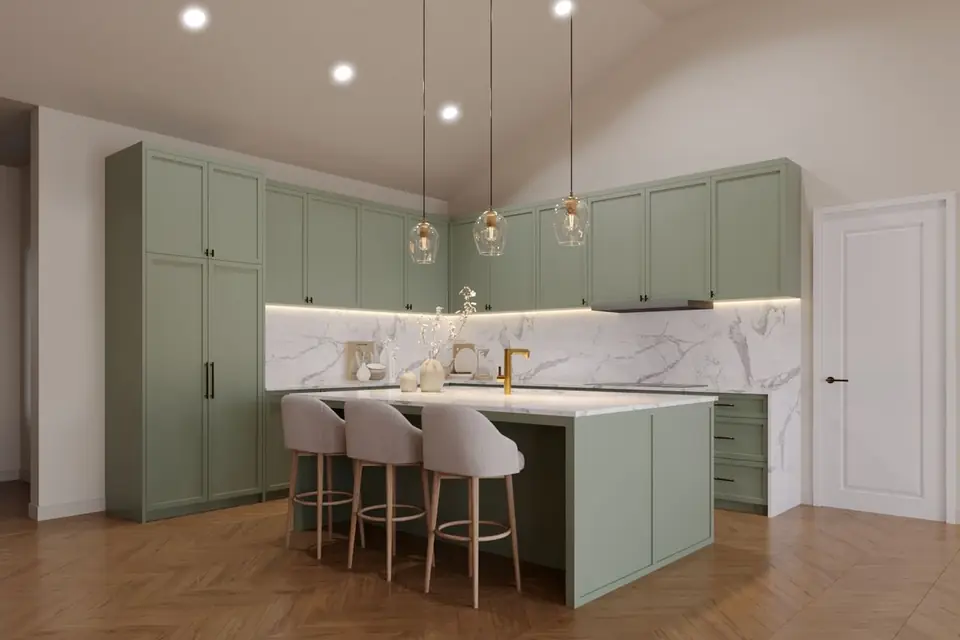
Visual work from Lesmee's studio
Models made for clients stay private under NDA. What you see here is Lesmee's own render work.

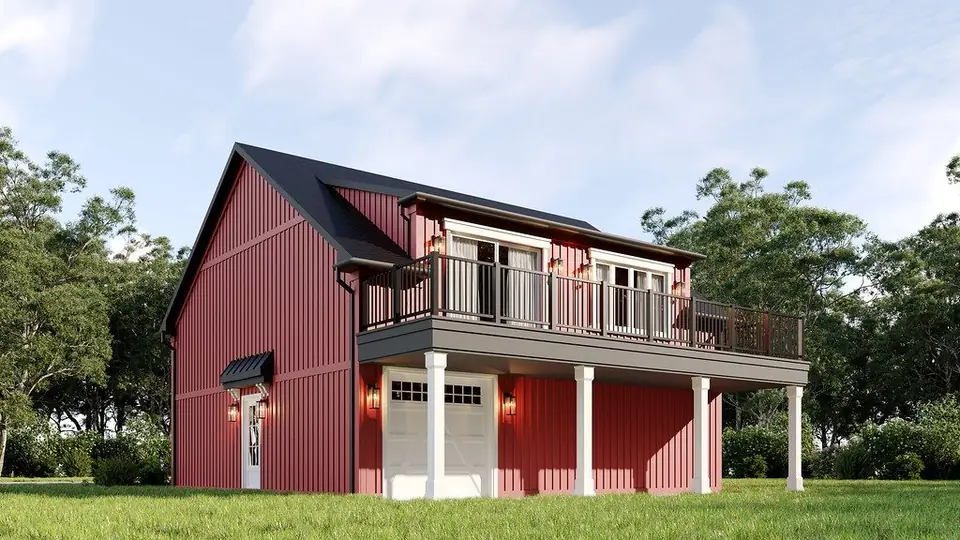
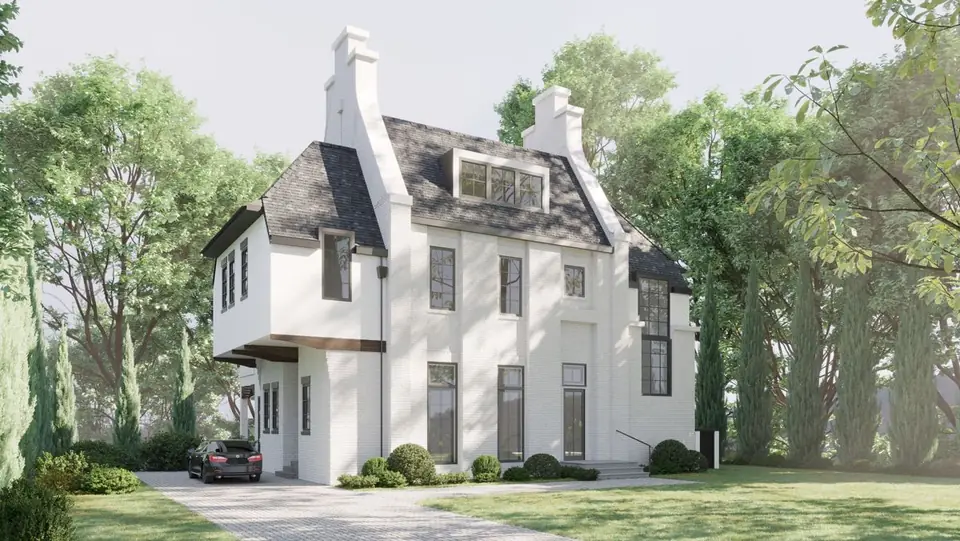

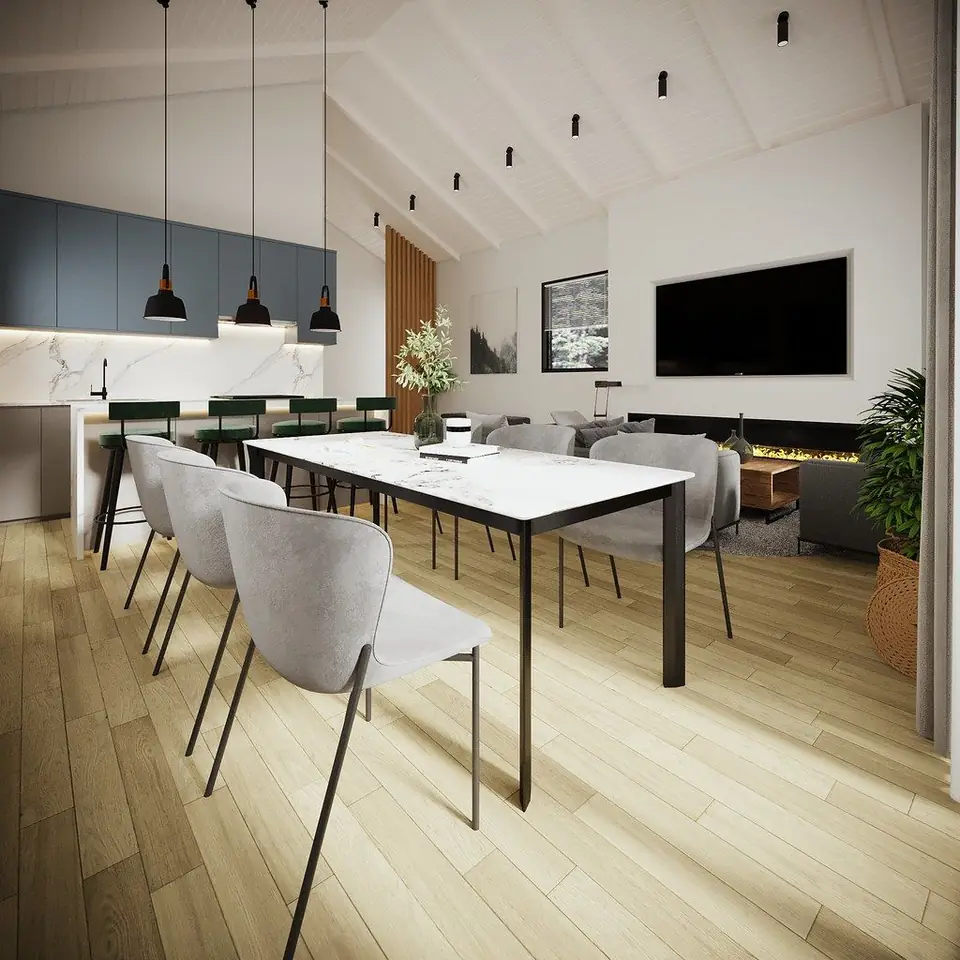

A SketchUp model built to be worked in
One loose mass of faces is quick to make and slow to edit. Every model we hand over is organized for the next person who opens it.
Components, not loose faces
Geometry grouped into components, so editing one part never drags the rest along with it.
Tags used properly
Tags carry the components, while raw edges and faces stay Untagged, the way SketchUp intends.
Scenes for agreed views
Scenes saved for the views you named, so LayOut viewports show exactly what you expect.
LayOut sheets
Sheets set up in LayOut when they are part of the scope.
The SKP and exports
The SKP saved to your version, with DWG or OBJ exports on request.
When the model has to outlive the meeting
Architecture offices
Design models your team can keep editing and send straight into LayOut sheets.
Interior design firms
Room models with clean components, so furniture and finish options swap without a rebuild.
Contractors and design-build
A tidy SKP from your drawings, with tags you can switch on and off per scene.
CGI studios
An organized SketchUp base model, ready to light and render in your own pipeline.
From drawings to a clean SKP
Every model is quoted on its own, and small ones come back within the day.
Send the brief
Your drawings, the SketchUp version you use, the views you need and whether LayOut sheets are in scope.
Quote
A per-model quote within 24 hours. A source we cannot use is flagged within 2 working hours, and if we cannot start, there is no charge.
Model and organize
We model with components and tags and save scenes for the agreed views.
Purge and deliver
You review, with two rounds included. We purge the model, save it to your version and add LayOut sheets and DWG or OBJ exports where ordered.
Priced per model, quoted within 24 hours
Every SketchUp job gets its own quote. Small models are finished within the day.
Included
- Components and tags set up properly
- Scenes for the agreed views
- Purge before delivery
- Saved to your SketchUp version
- Two revision rounds
- Fixes at our cost if the model misses our acceptance checks
What affects the price
- How large and detailed the model is
- Whether LayOut sheets are in scope
- Exports you need alongside the SKP
Scope changes after approval are quoted as a new order. SketchUp and LayOut are trademarks of Trimble Inc.; Lesmee is an independent studio, not affiliated with Trimble.
Models that are easy to pick up again
- Organized for editingNo loose geometry: everything sits in components, and tags do the visibility work.
- LayOut-ready scenesScenes match the agreed views, so LayOut viewports land where you expect.
- Lean filesEvery model is purged before delivery, so unused components and materials do not ride along.
- Clear ownership and privacyCommercial usage rights pass to you on full payment; NDAs are signed and nothing is published without written consent.
SketchUp modeling services: the practical answers
How are SketchUp modeling services quoted?
Each model is quoted on its own, within 24 hours of receiving your files. Small models are finished within the day.
Which SketchUp version do you save to?
Yours. Put the version on the order and the SKP is saved to it, so it opens without anyone upgrading.
Will the model work with LayOut?
Yes. Scenes are saved for the agreed views so LayOut viewports come out right, and we set up the sheets when LayOut is in scope.
How do you use tags?
Tags go on components; raw edges and faces stay Untagged (Layer 0 in older versions), as SketchUp intends. Nothing is left as loose geometry.
Can we also get DWG or OBJ?
Yes, on request. We export DWG or OBJ alongside the SKP.
Is there a limit on revisions?
Two rounds are included, each a single consolidated list of comments. A model that misses our acceptance checks is fixed at our cost without using a round.
What if our source files are unusable?
We tell you within 2 working hours, before production time is billed, and if we cannot start, you are not charged.
Send the drawings, get a model you can keep editing
Tell us your SketchUp version, the views you need and whether LayOut is in scope. You will have a quote within 24 hours.
- Components and tags done right
- Scenes ready for LayOut
- Small models within the day
SketchUp models built to be worked in, not just looked at: geometry grouped into components, tags used properly, scenes set up so LayOut sheets come out right. A model that is one loose mass of faces is faster to make and useless a week later.
What you need to send
- Source drawings or photos, or an existing SKP
- Your tag and component naming convention
- SketchUp version, and whether LayOut sheets are in scope
How it runs
- Place the order with the source files, your CAD standard and the sheet list.
- We open the files and confirm the estimate inside one business day.
- We draft or model to the agreed standard and level of development.
- You review. Two revision rounds are included.
- We purge, audit and deliver in your software version, with PDFs.
What you receive
- The SKP model with components and tags
- Scenes set up for the agreed views
- LayOut sheets where in scope
File formats
- SKP (version stated on the order)
- LAYOUT / PDF where in scope
- DWG or OBJ export on request
Quoted per model; small models same day.
Before you order
- Source drawings or photos, or an existing SKP
- Your tag and component naming convention
- SketchUp version, and whether LayOut sheets are in scope
Step by step
- Place the order with the source files, your CAD standard and the sheet list.
- We open the files and confirm the estimate inside one business day.
- We draft or model to the agreed standard and level of development.
- You review. Two revision rounds are included.
- We purge, audit and deliver in your software version, with PDFs.
Getting the best result
- Send the highest-quality source you have — a better capture costs nothing extra and removes a revision round.
- Name the standard or template you work to on the order, not in a later message.
- Collect every comment into one revision round; piecemeal notes cost turnaround, not accuracy.
Acceptance standard
Geometry is grouped into components, not left loose. Tags carry the geometry, layer 0 stays for raw geometry as SketchUp intends. Model is purged before delivery and saved to your SketchUp version.
Turnaround
Quoted per model; small models same day.
Revisions
Two revision rounds are included on every order. A revision is a correction against the brief as it stood when work started. A change to the brief itself is new work and is quoted before anything is done.
If the source material is unusable
We tell you inside two working hours, before any production time is billed. If we cannot start, you are not charged.
Rework at our cost
Anything that misses the standard stated above is corrected at our cost, with no revision round consumed.
Ownership
Final deliverables are yours on payment. Working and source files are yours too where the order says so; otherwise we keep them for 12 months and can release them on request.
Confidentiality
Addresses, drawings, scans and anything else you send are used for your order only, and are not published, resold or used as samples without your written permission.
What we do not do
We draft and visualise what you brief. We do not make structural, zoning or building-code judgements, and a drawing from us is not a substitute for a survey, an appraisal or an engineer's stamp.